Add application monitoring to your Heroku app in one command
Scout's Heroku add-on gives you errors, logs, and traces for your Rails, Django, Flask, Laravel, or Phoenix application. Provision it from the Heroku dashboard or CLI, and monitoring starts automatically. No separate vendor account, no separate bill.
Automatic N+1 detection, memory bloat identification, and code-level traces. Billed through your Heroku account.
 Heroku Add-On
Provision once, monitor everything
Run heroku addons:create scout or click Add from the Heroku dashboard. Scout automatically sets your API key and monitoring flag via config vars. No manual configuration, no config files to manage. Your app starts reporting errors, traces, and performance data on the next deploy.
 Code-Level APM
The performance problems Heroku does not surface
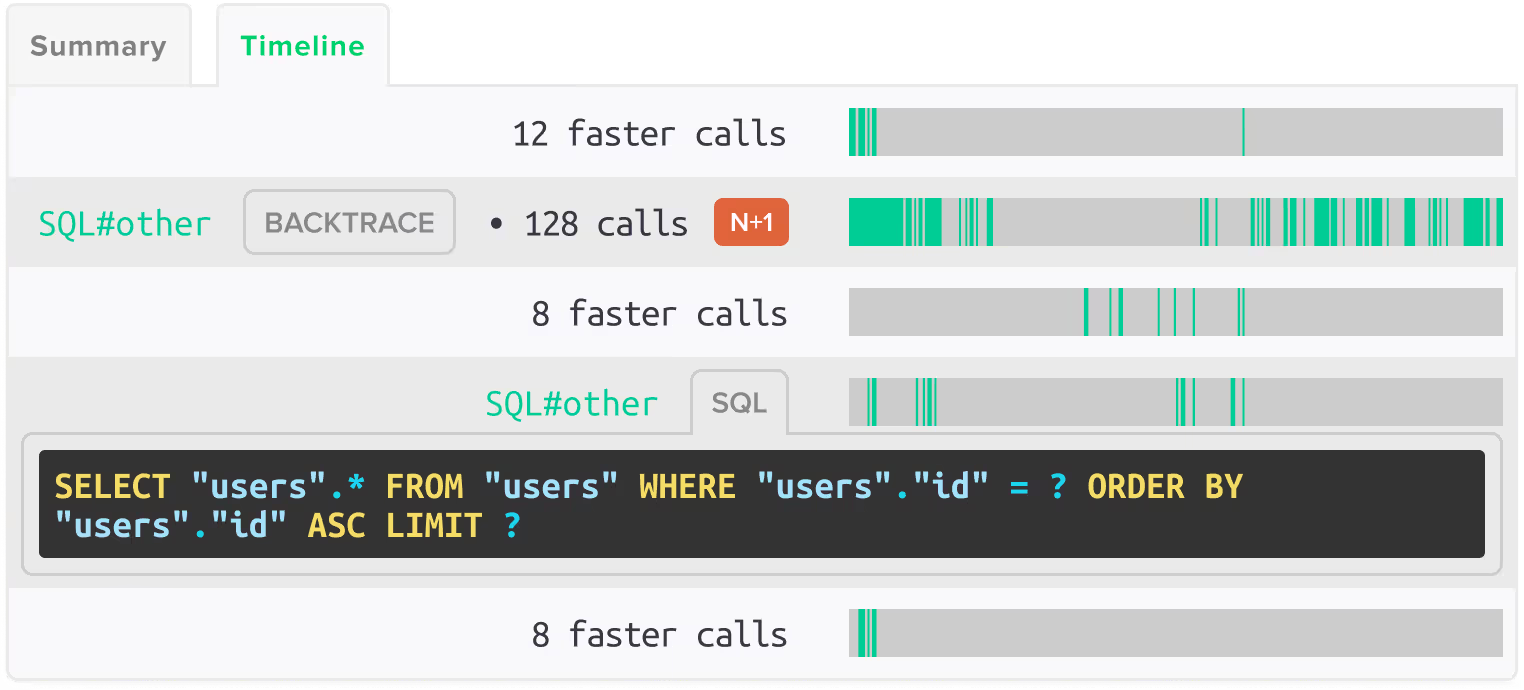
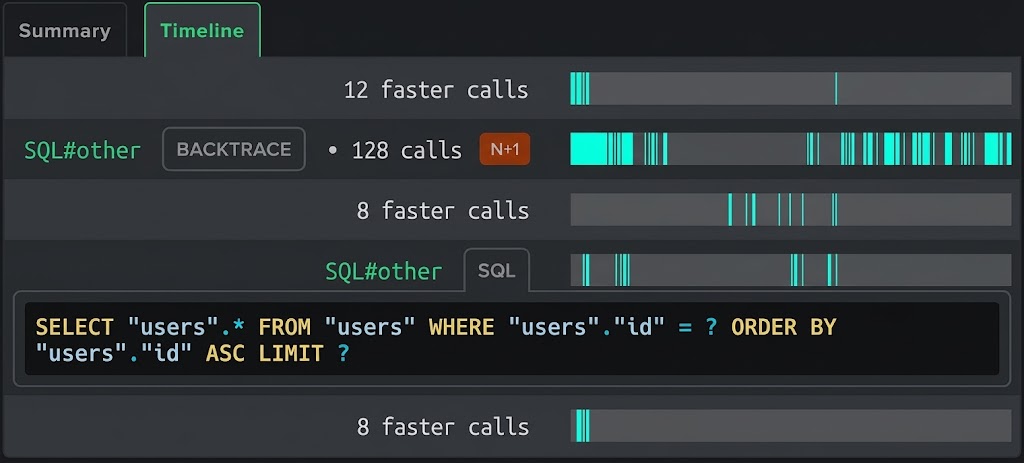
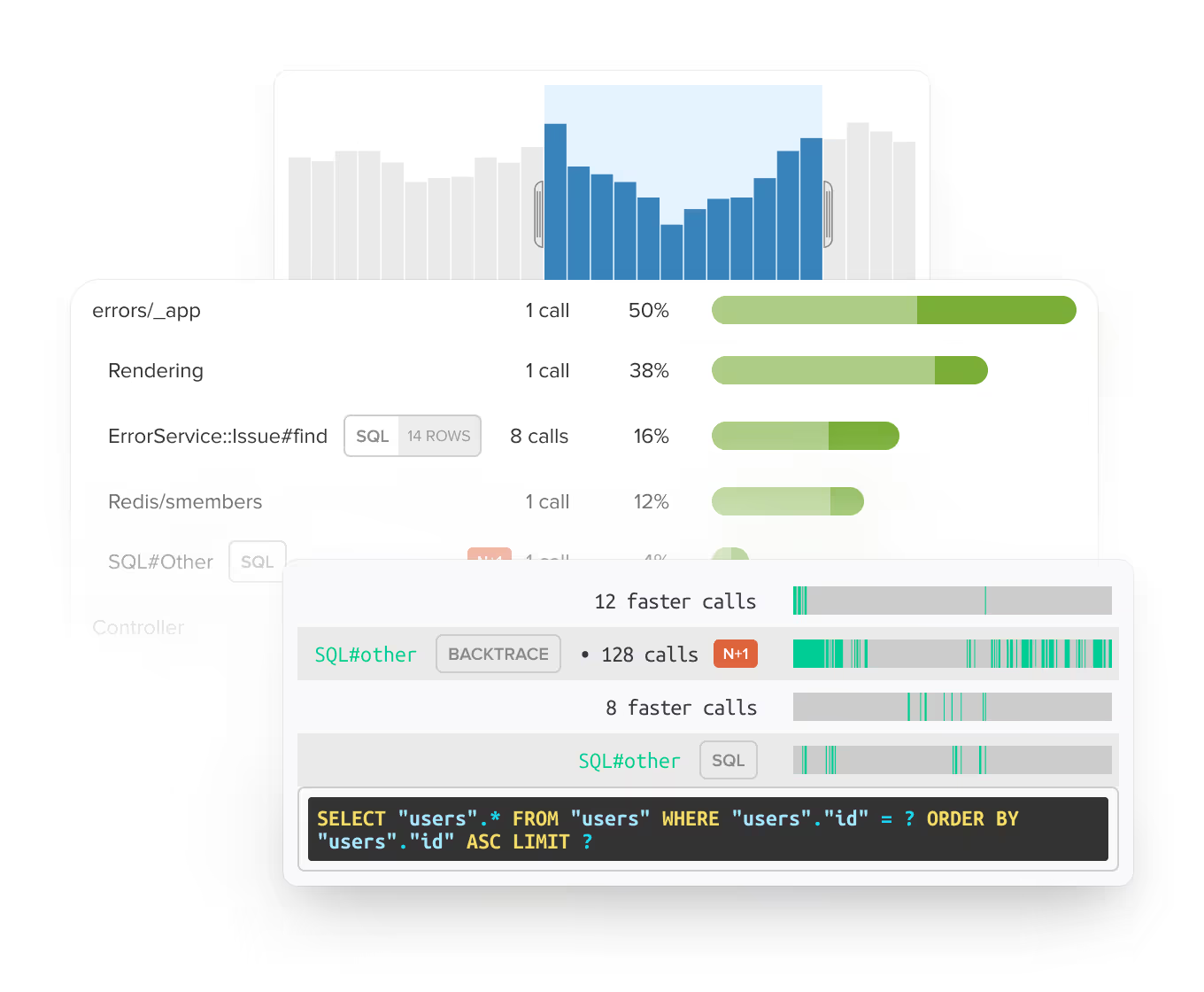
Heroku's built-in metrics show you request throughput and response time at the dyno level. Scout shows you why a request is slow. Automatic N+1 detection finds the ActiveRecord, Django ORM, Eloquent, or Ecto queries that are running inside loops. Memory bloat detection identifies which controller actions and background jobs are growing memory. You get the code location and performance impact so you know what to fix first.
 Integrated Monitoring
Errors, logs, and traces without three separate tools
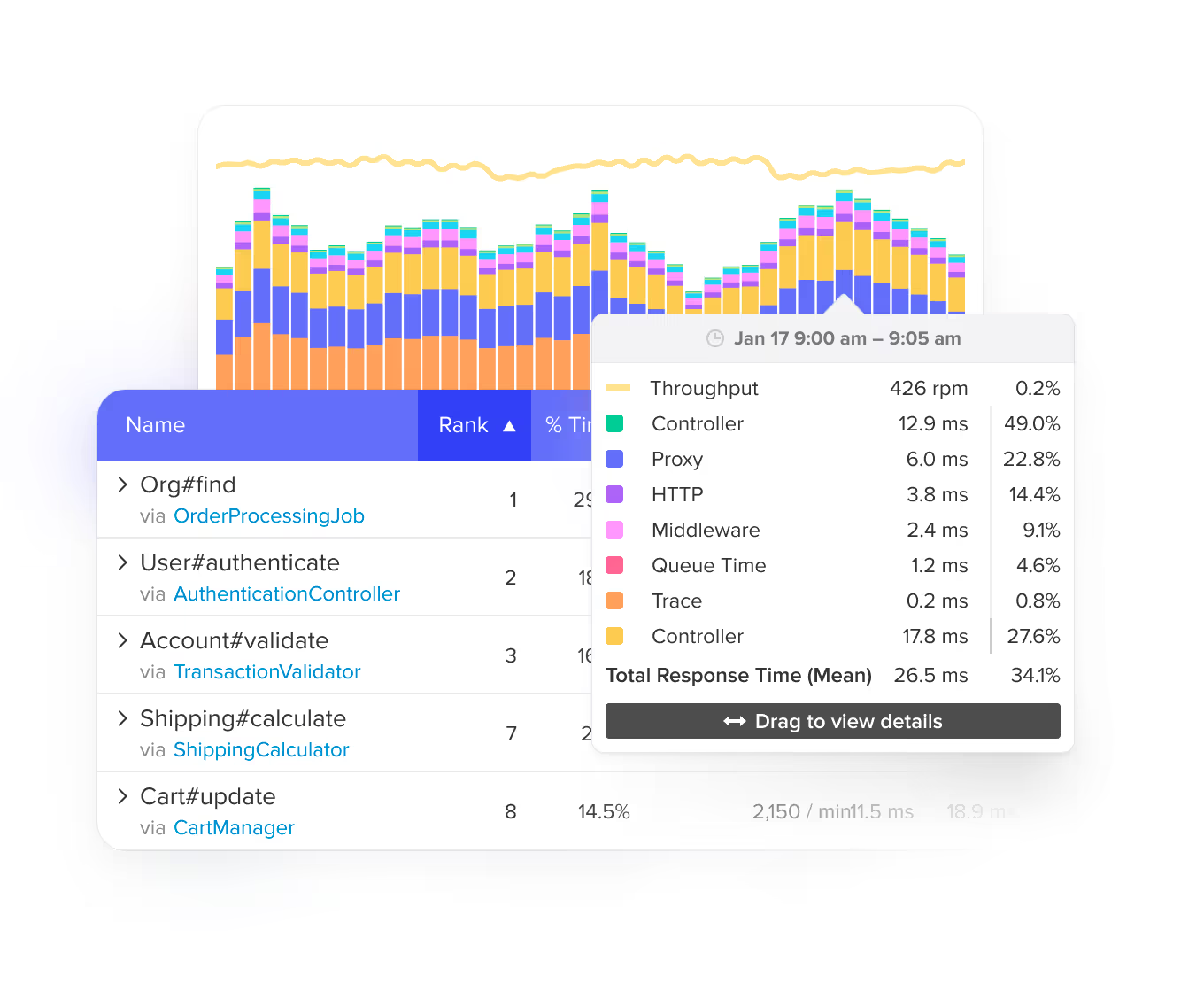
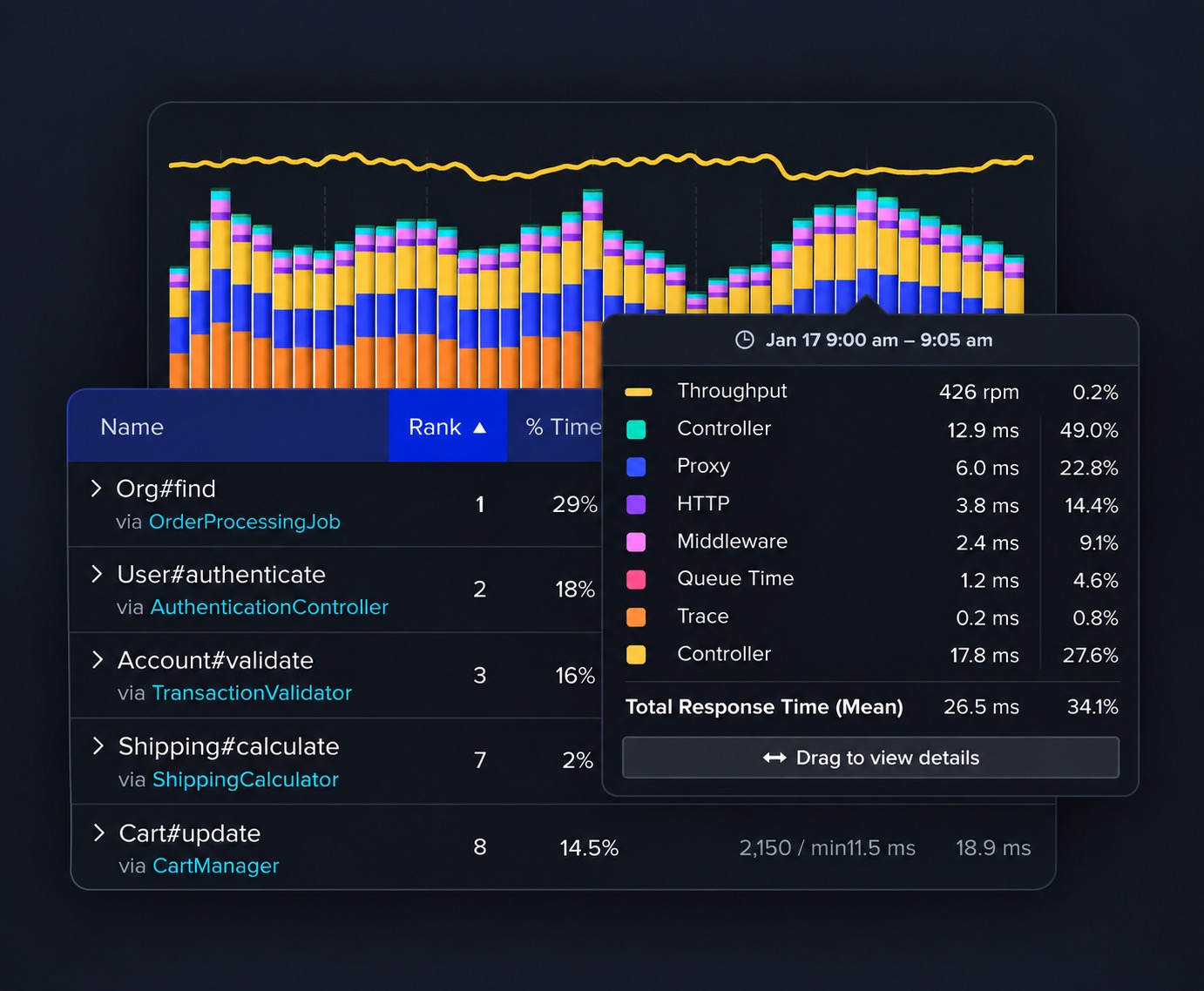
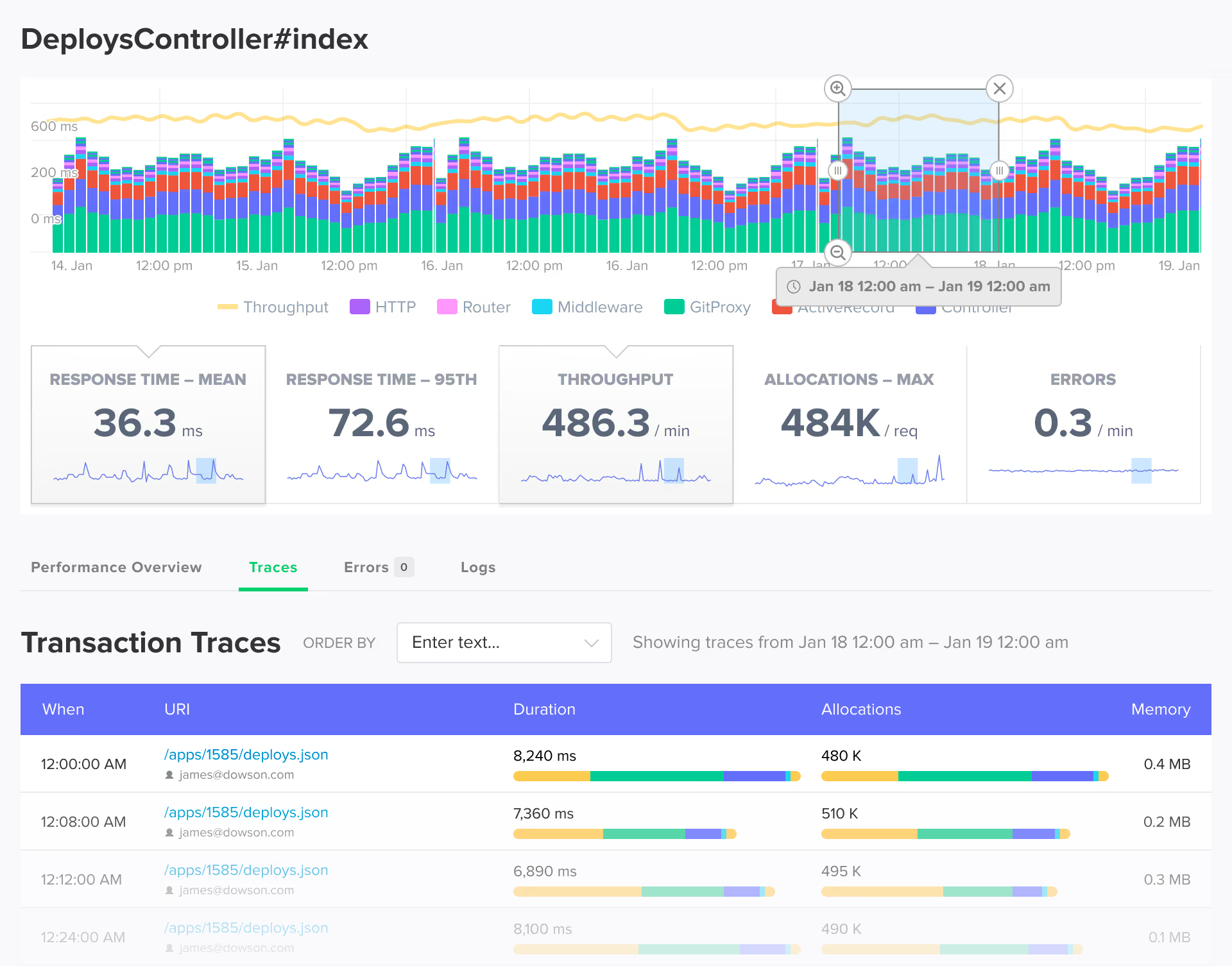
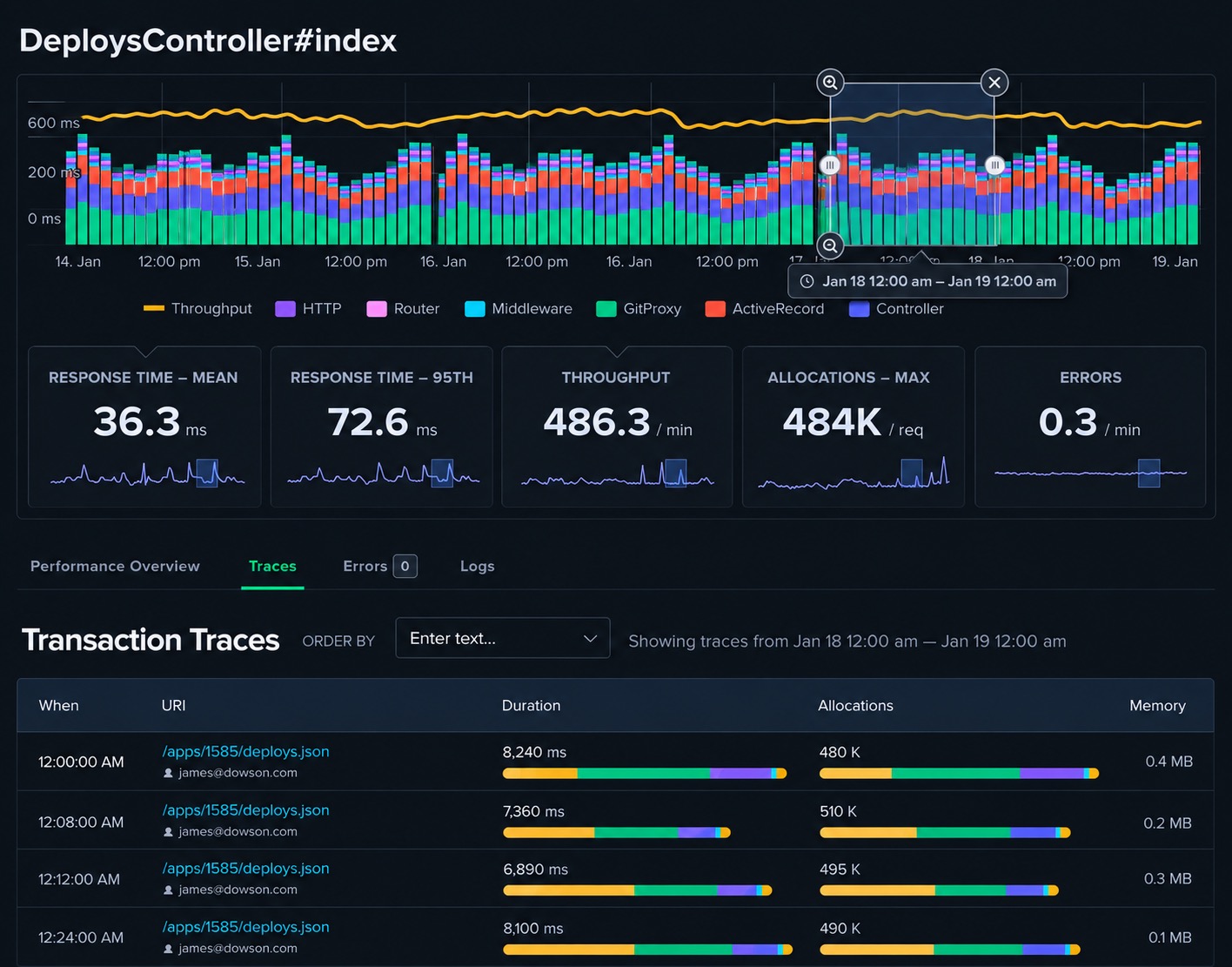
When something breaks, you see the exception, the request trace showing where time was spent, and the surrounding log lines together in one view. No switching between your APM, your error tracker, and your log drain to reconstruct what happened. Scout replaces three tools with one, and it all runs through your Heroku billing.
 Heroku Billing
One bill, one vendor, no procurement
Scout's Heroku add-on is billed through your existing Heroku account. No separate vendor approval, no credit card on file with another company, no procurement process. Upgrade, downgrade, or cancel from the Heroku dashboard. Plans start with a free tier (10,000 transactions/day) and scale with your application.
 AI Native
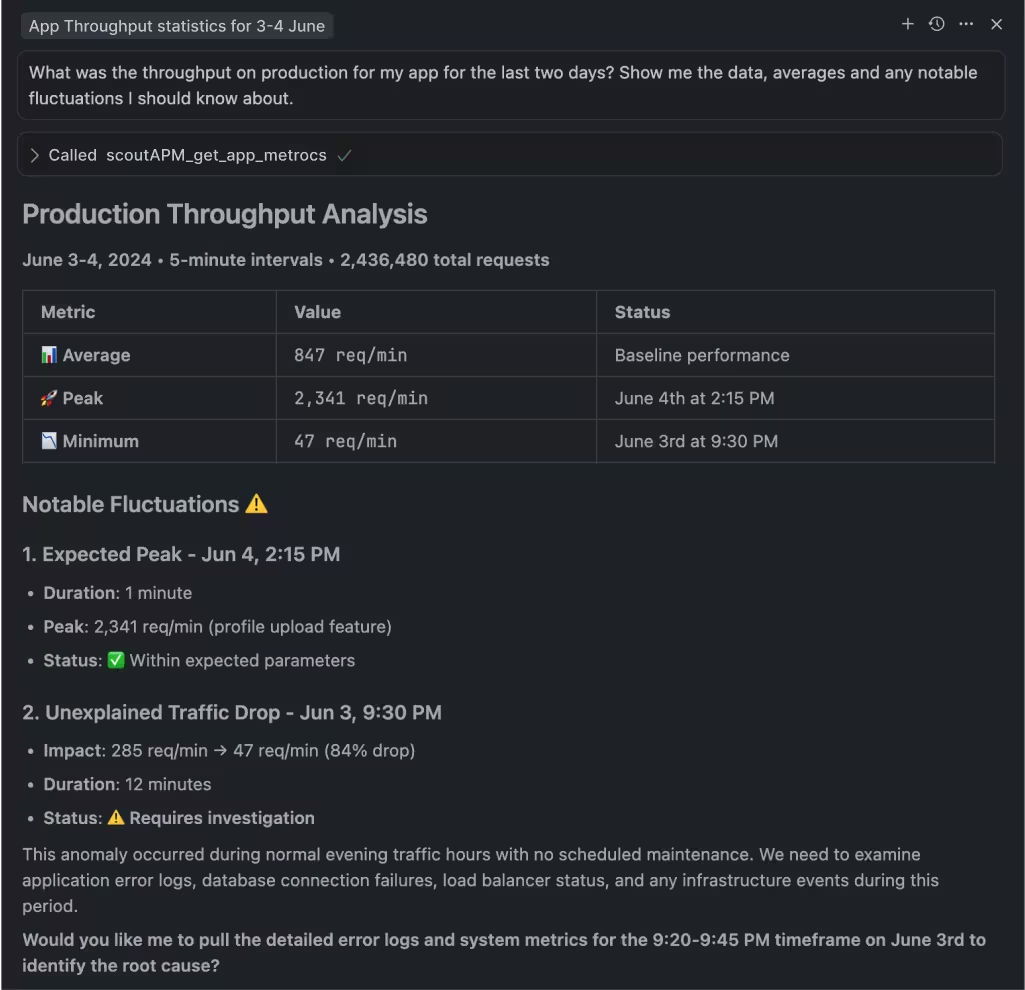
Query your app performance from Claude Code, Cursor, or the terminal
Scout's MCP server connects AI coding assistants to your error and trace data. The Scout CLI gives you terminal access. Both work the same whether you provisioned through Heroku or signed up directly.
 Real People
Real humans, real support
Every support request is seen by the whole Scout team. Depending on your question, you hear from product, support, success, or engineering. No bot triage, no tier-1 routing.
Get Started in Minutes
Add Scout to Your Heroku App
Add Scout to your Heroku app in under 2 minutes.
Provision the add-on:
heroku addons:create scoutAdd Scout to your project:
# Rails
gem 'scout_apm'

# Python / Django / Flask
pip install scout-apm

# PHP / Laravel
composer require scoutapp/scout-apm-laravel

# Elixir / Phoenix
{:scout_apm, "~> 2.0"}Deploy. Heroku automatically sets your config vars. Data starts flowing within minutes.
FAQ
Your Monitoring FAQ
How do I install Scout on Heroku?
Run 'heroku addons:create scout' from your CLI or add it from the Heroku Elements marketplace. Scout automatically sets the SCOUT_MONITOR and SCOUT_KEY config vars. Add the Scout gem or package to your application, deploy, and data starts flowing within minutes.
What languages work with the Heroku add-on?
Scout supports Ruby (Rails, Sinatra, Grape, Sidekiq), Python (Django, Flask, FastAPI, Celery), PHP (Laravel, Symfony), and Elixir (Phoenix, LiveView, Oban). All agents work with the Heroku add-on.
How is the Heroku add-on billed?
Scout is billed through your Heroku account as part of your monthly Heroku invoice. Plans start with a free tier (10,000 transactions per day) and scale up based on transaction volume. You can upgrade or downgrade from the Heroku dashboard at any time.
What is the difference between Heroku's built-in metrics and Scout?
Heroku metrics show dyno-level request throughput, response time, and memory usage. Scout shows application-level detail: which code path is slow, which database query is causing the bottleneck, which background job is leaking memory, and which deploy introduced a regression. They complement each other.
Can I switch from the Heroku add-on to a direct Scout plan?
Yes. If you outgrow the Heroku add-on pricing or want to consolidate billing, you can switch to a direct Scout plan. Use code Direct26 at sign-up for 10% off when moving from a Heroku Marketplace plan.
Does Scout work with Heroku background workers?
Yes. Scout monitors Sidekiq, Resque, DelayedJob, GoodJob, Solid Queue, Celery, and Oban jobs running on Heroku worker dynos. Background job timing, queue latency, and error tracking are included automatically.