
Log Management, Integrated and Intuitive
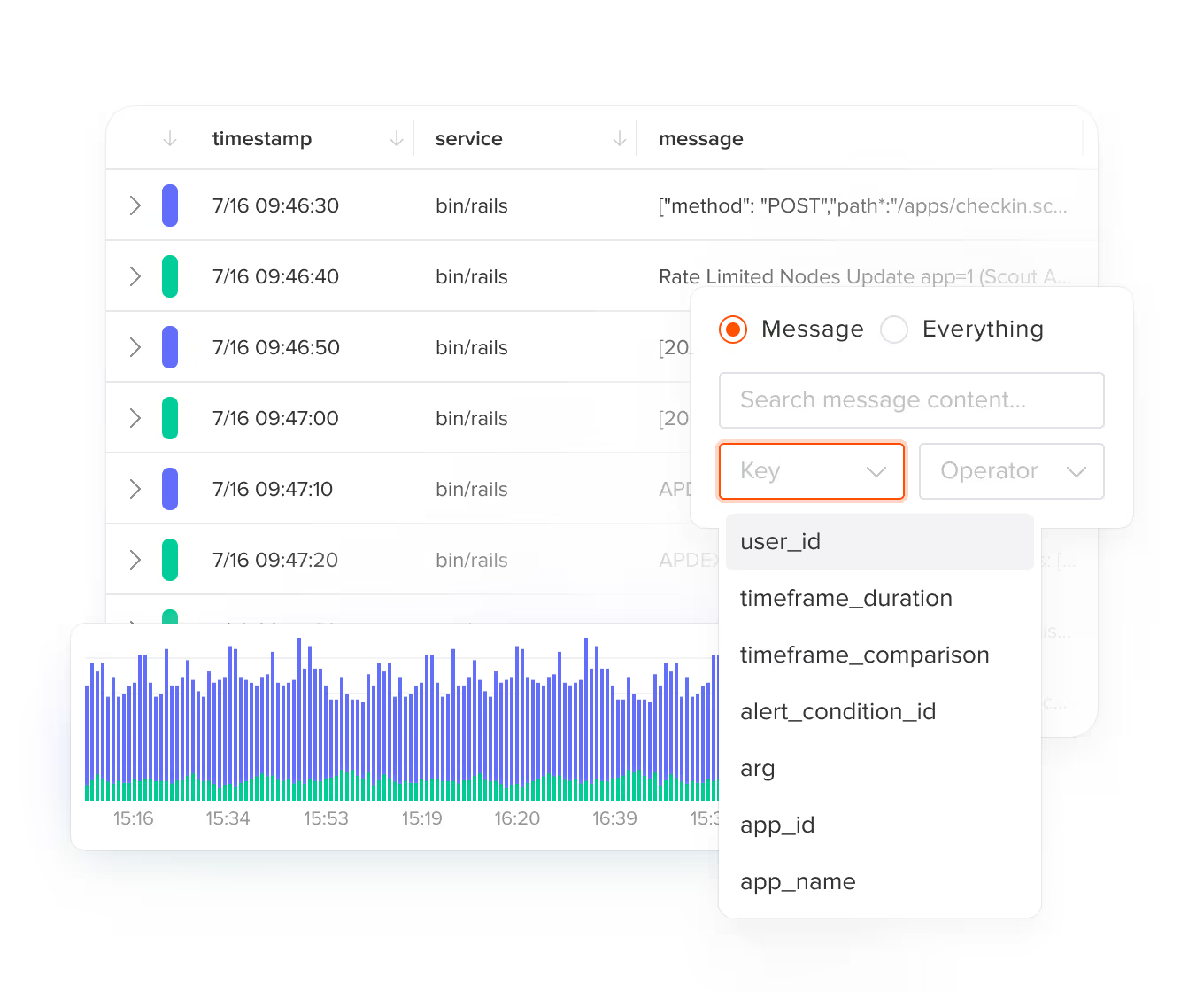
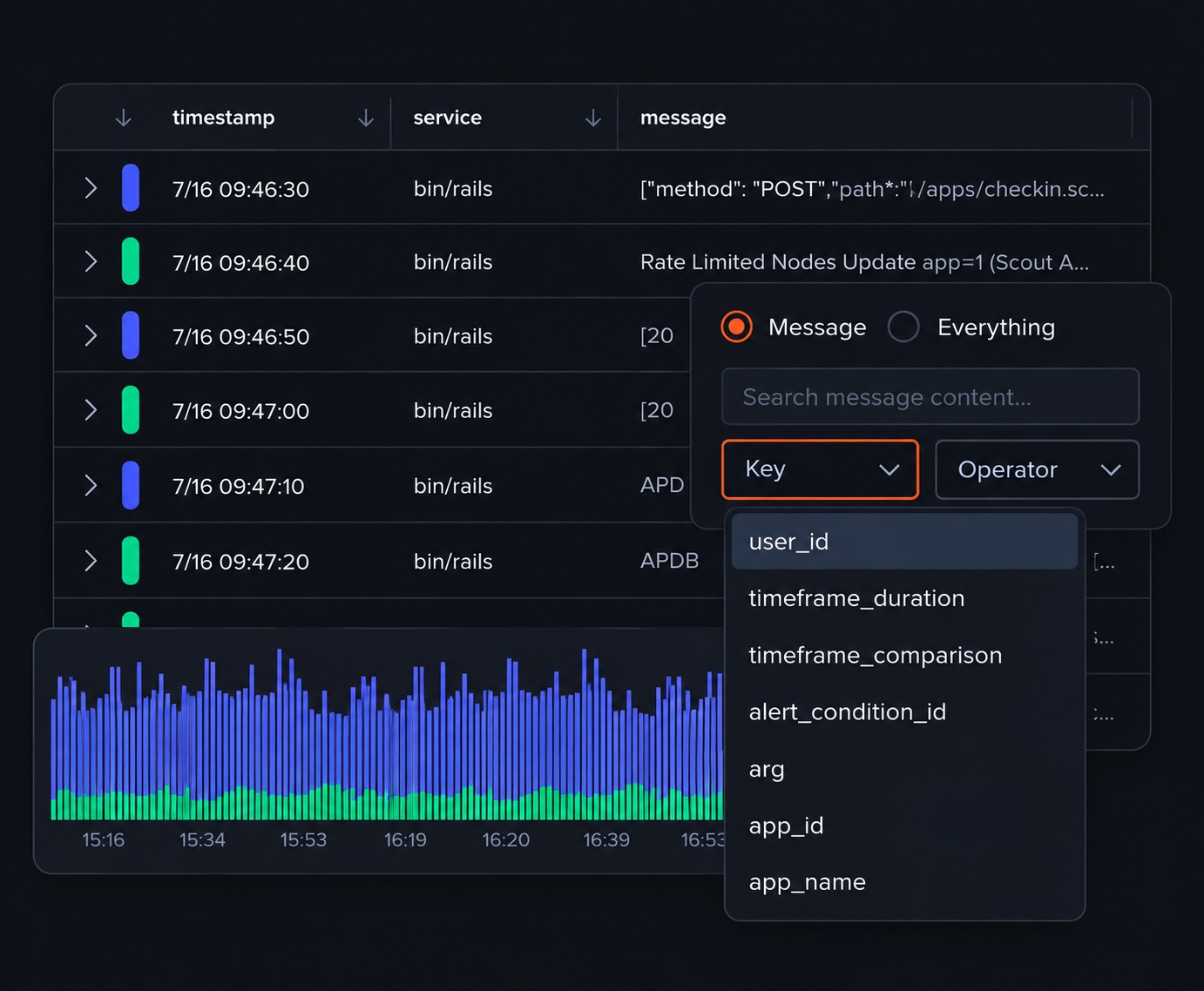
Put your logs exactly where they belong – right next to Scout's monitoring and performance metrics! Our Log Management solution simplifies debugging by integrating logs and APM data in one intuitive interface.
 Trace Explorer
Logs and performance data in one place
Scout puts your logs next to the traces and metrics that give them context. Fast setup and flexible filtering give you the log data you need, when you need it, with integrated insights on your performance metrics.

Automatic context
Analyze logs and performance data together through automatic context sharing.

Quick filtering
Filter instantly by controller actions and endpoint to zero in on relevant logs.

Origin tracking
Track every log's origin through built-in file and entry point monitoring.

Custom insights
Add custom context to logs for deeper visibility into your application.
We use Scout logging to find what went wrong, and the ability to click on a log line and see the full context is incredibly useful.
 Log Discovery
Efficient and Fast Logging
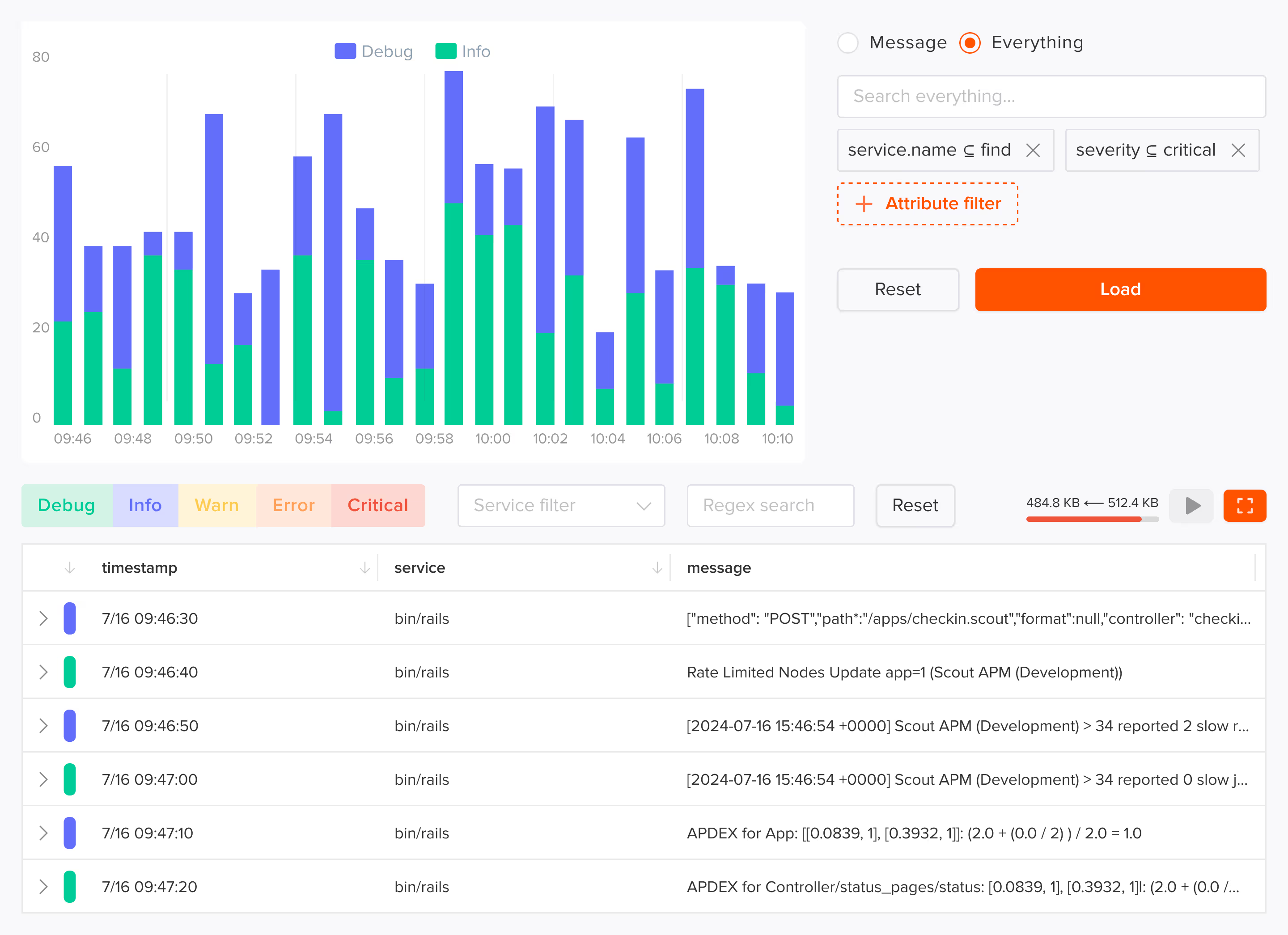
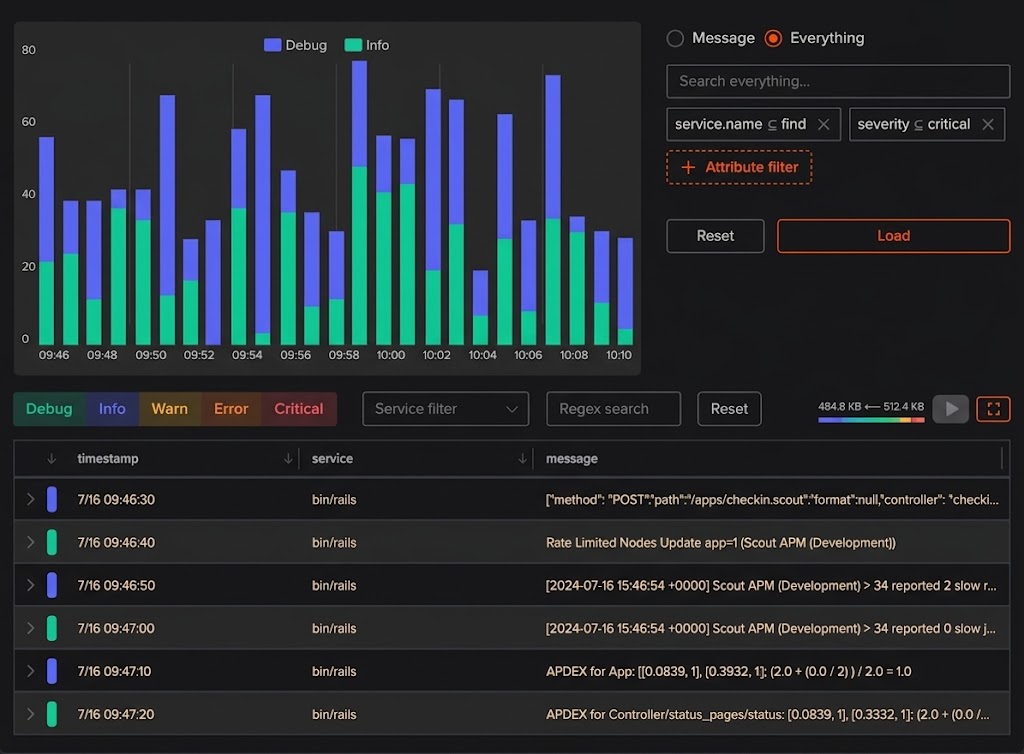
Find exactly what you need, when you need it. Our two-phase filtering approach lets you efficiently scan massive amounts of log data without getting bogged down, with the specific features you need
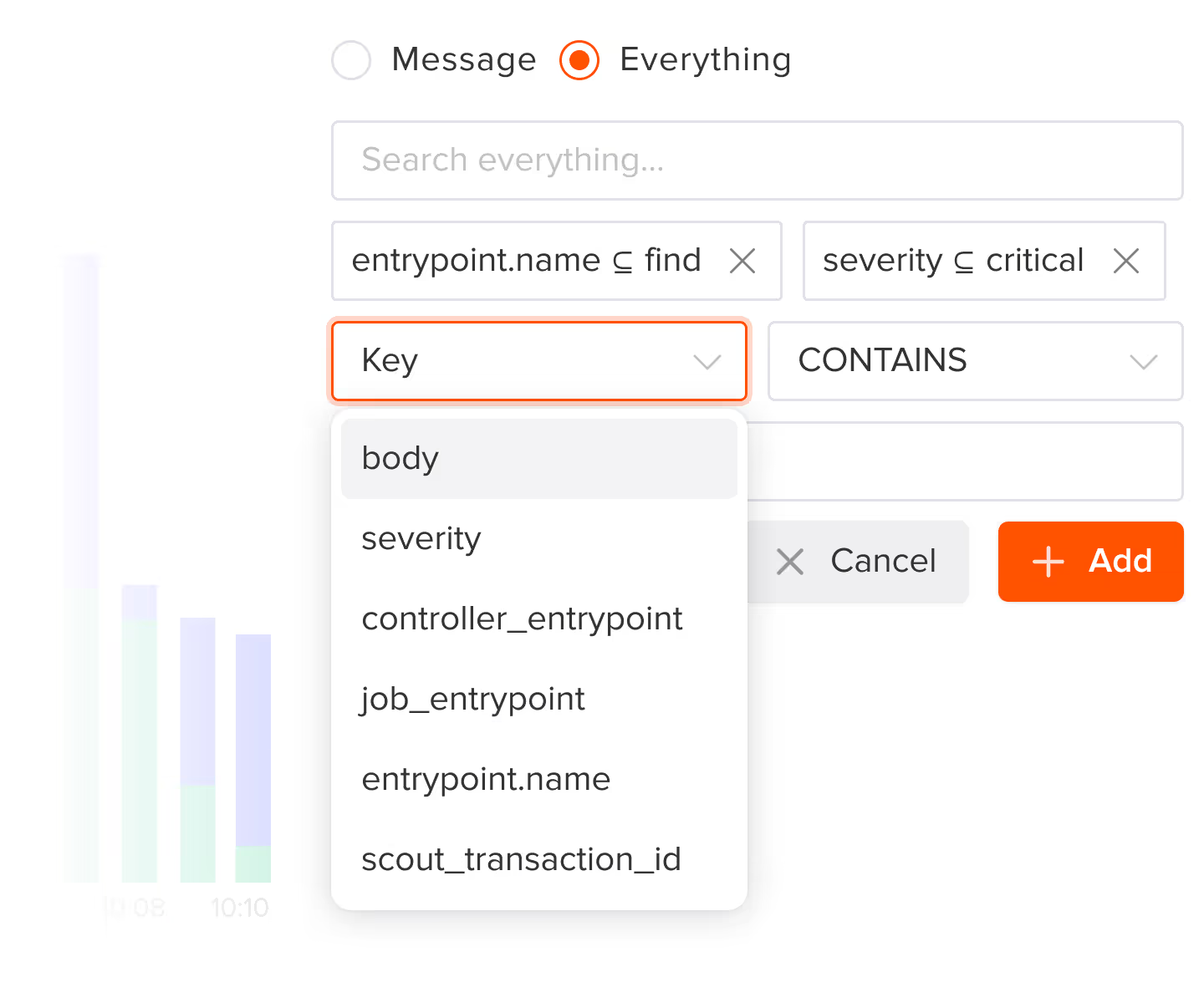
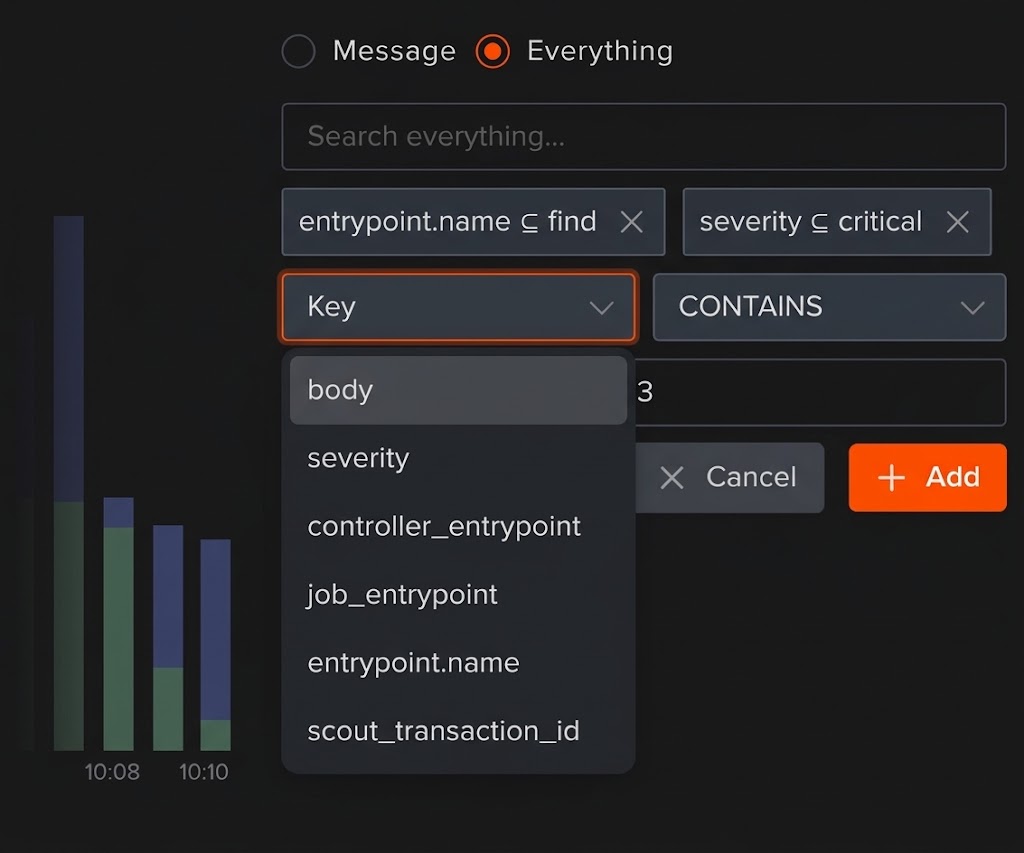

Endpoint filtering
Instantly locate and filter logs by specific controller actions and endpoints for focused debugging

Pre-load search
Narrow your search parameters before loading data to efficiently explore large log volumes

Regex search
Filter loaded logs in real-time using powerful regex patterns to find exact matches

Progress tracking
Monitor log loading progress with clear indicators showing scanned and processed data

Full screen view
Expand logs to full screen for detailed analysis and enhanced visualization
Custom filters
Apply targeted filters by severity, time range, or custom attributes to pinpoint relevant logs
Smart Data Management
Scout keeps your logging data organized and accessible. Track your data flow with ingestion and retrieval metrics in real time. Monitor both write and read operations to stay on top of usage patterns. All logs are retained for 14 days, with severity level filtering to help you focus on what matters.
Pricing that Makes Sense
Straightforward and transparent pricing means you can sweat about your application – not your bill. Start with our free tier or scale up:
- Start monitoring with 1GB of included log storage and all core features
- Get 30GB of log storage with advanced features for $40/month
- Add more storage automatically at $0.46/GB as your needs grow.
Add Log Management to Your App
Log management is available for Ruby, Python, Elixir (agent v2.0+), and Node.js (agent v2.0.2+). Install the logging package alongside your Scout agent and start seeing logs in minutes.
Add the logging gem alongside scout_apm:
In your Gemfile:
gem 'scout_apm_logging'Shell:
bundle installDeploy. Logs start appearing in Scout within minutes.
Add the logging package alongside scout-apm:
Install the package:
pip install scout-apm-loggingConfigure in your application settings.
Deploy. Logs start appearing in Scout within minutes.
Log management is built into the Elixir agent v2.0+:
Update to the latest agent in your mix.exs:
{:scout_apm, "~> 2.0"}Enable log collection in your Scout configuration.
Deploy. Logs start appearing in Scout within minutes.
 FAQ
FAQ
Log Management FAQ
We send a lot of logs. Can we limit or filter what we send?
Yes! Scout provides flexible filtering options to control which logs are sent. You can filter by severity level, endpoint, or custom attributes to ensure you're only ingesting the logs that matter most to your debugging workflow.
What languages does Scout Log Management support?
Scout Log Management is currently available for Ruby, Python, Elixir (agent v2.0+), and Node.js (agent v2.0.2+) applications. Logs are collected alongside your performance data for integrated debugging. PHP log management support is on the roadmap.
Can I just use Scout Monitoring for Log Management without enabling the APM agent?
Log Management works best when paired with Scout's APM agent for full context, but it can be used independently for basic log collection and search capabilities.
Can I query logs from Claude Code, Cursor, or other AI coding agents?
Log data access via the Scout MCP server and CLI is on the roadmap. Today, the MCP server and CLI provide access to errors, traces, endpoints, insights, and anomaly events. When log support is added, your AI coding agent will be able to query logs alongside the rest of your production data.
What happens if I exceed 30GB of data in a single billing cycle?
Additional storage is automatically added at $0.46/GB as your needs grow, so you never have to worry about losing log data. You can monitor your usage in real-time through the Scout dashboard.