Oban Performance Monitoring
Per-job timing, queue metrics, Ecto N+1 detection, and error tracking for your Oban workers. Scout's Elixir agent instruments Oban via telemetry automatically. No changes to your worker modules required.
 Errors, Logs, and Traces
Errors, Logs, and Traces for Every Oban Job
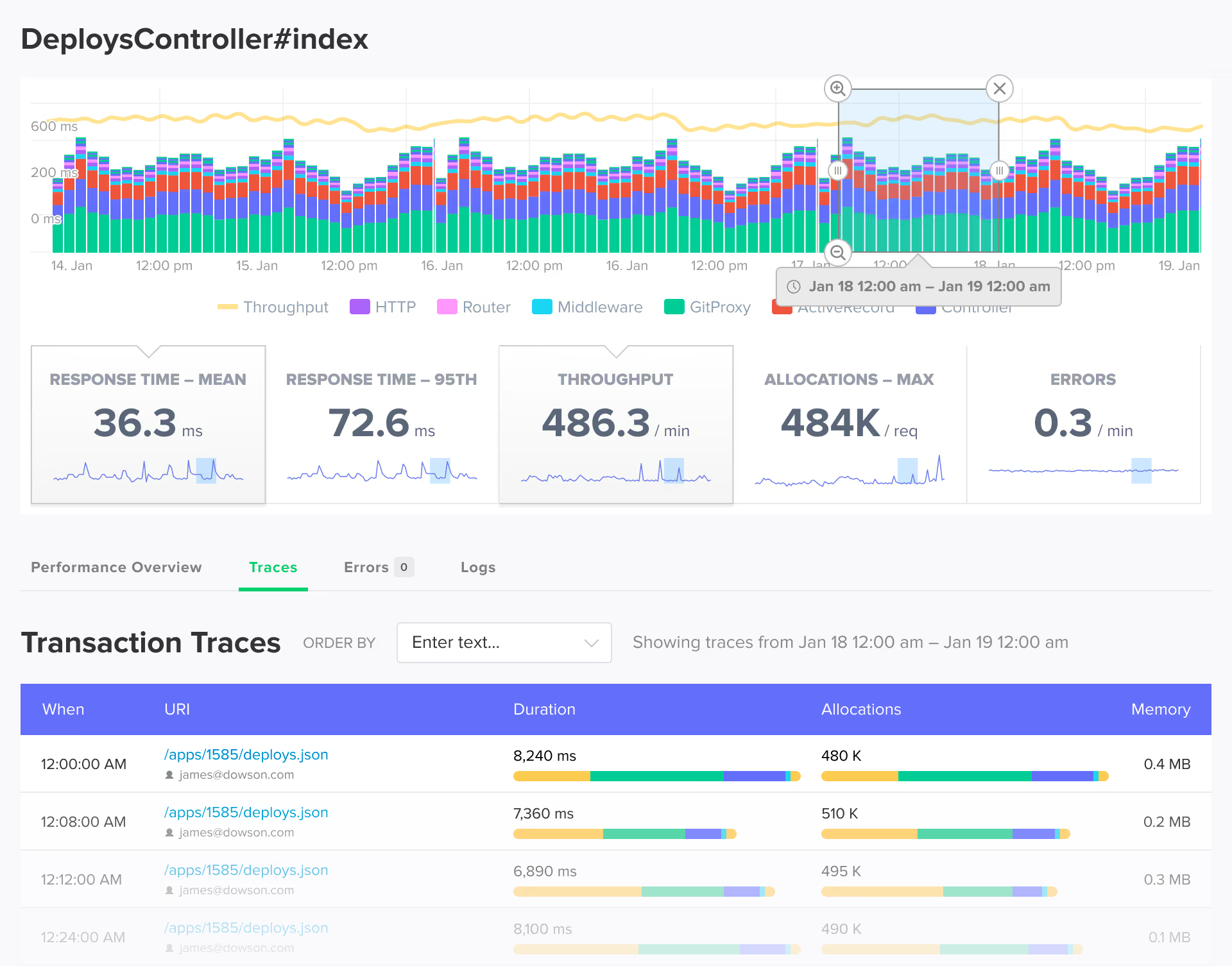
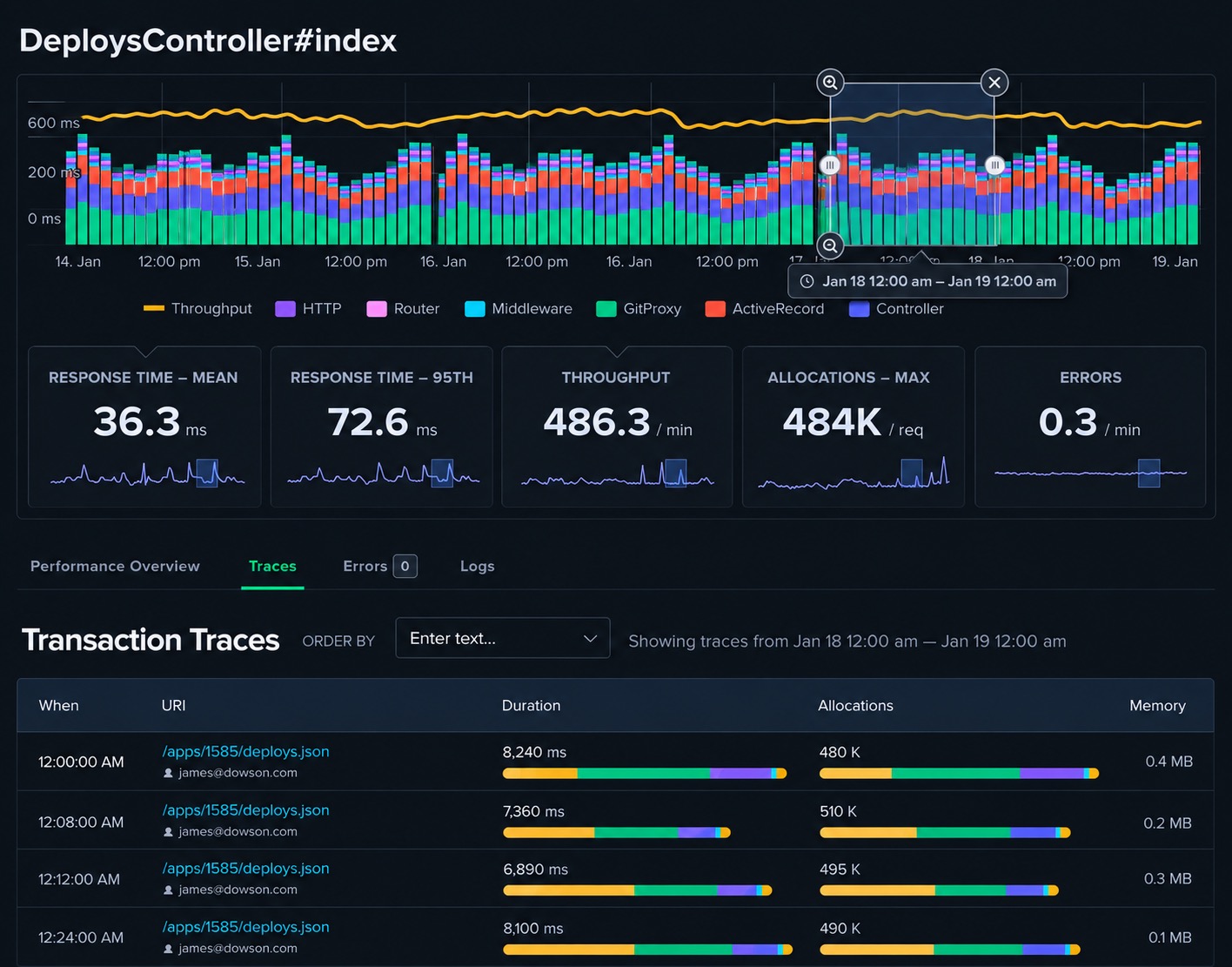
Scout connects Oban job failures to the full transaction trace and surrounding log lines in a single view. When a worker raises an exception, you see the error, the job trace with timing for every operation, and the log output together. No correlation by timestamp, no switching between tools.
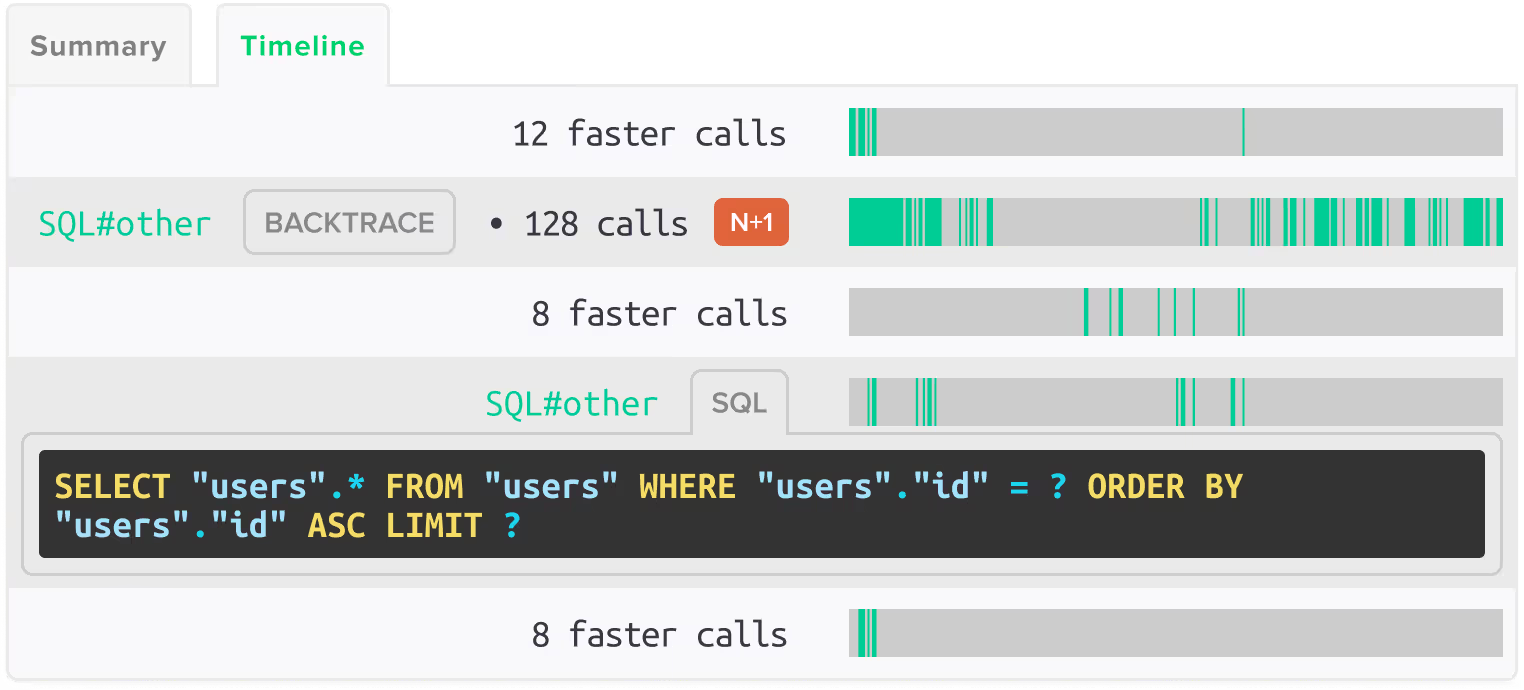
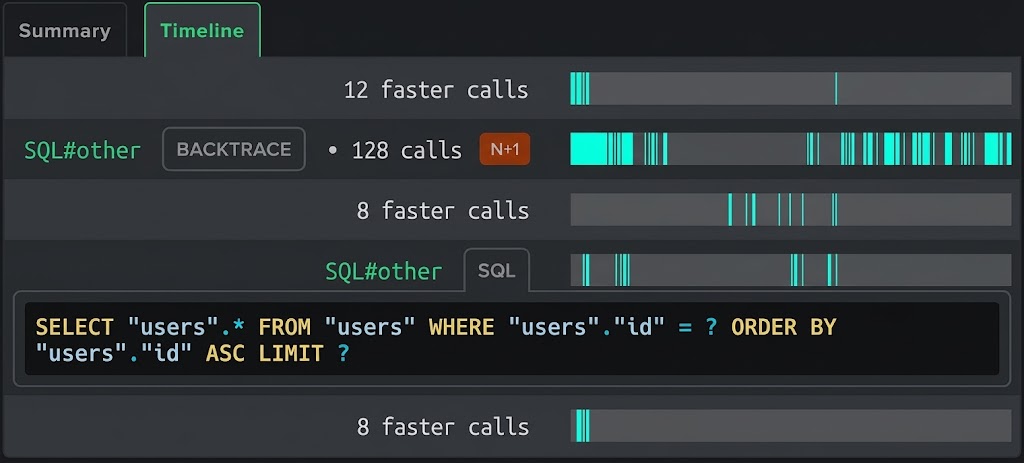

Error Monitoring
Telemetry-driven error capture for Oban workers. Errors are grouped by worker module, linked to the originating job trace, and shown with job arguments and queue context.

Log Management
Log output from Oban workers is enriched with trace context. Filter logs by trace ID to see exactly what a specific job execution did, including any Ecto queries, HTTP calls via Finch or Tesla, and any errors that occurred.

App Traces
Every Oban job execution appears as its own transaction in Scout with per-operation timing. See time spent in Ecto queries, Finch or Tesla HTTP calls, and your worker code broken out by module and queue.
 Query Analysis
N+1 Detection Inside Oban Workers
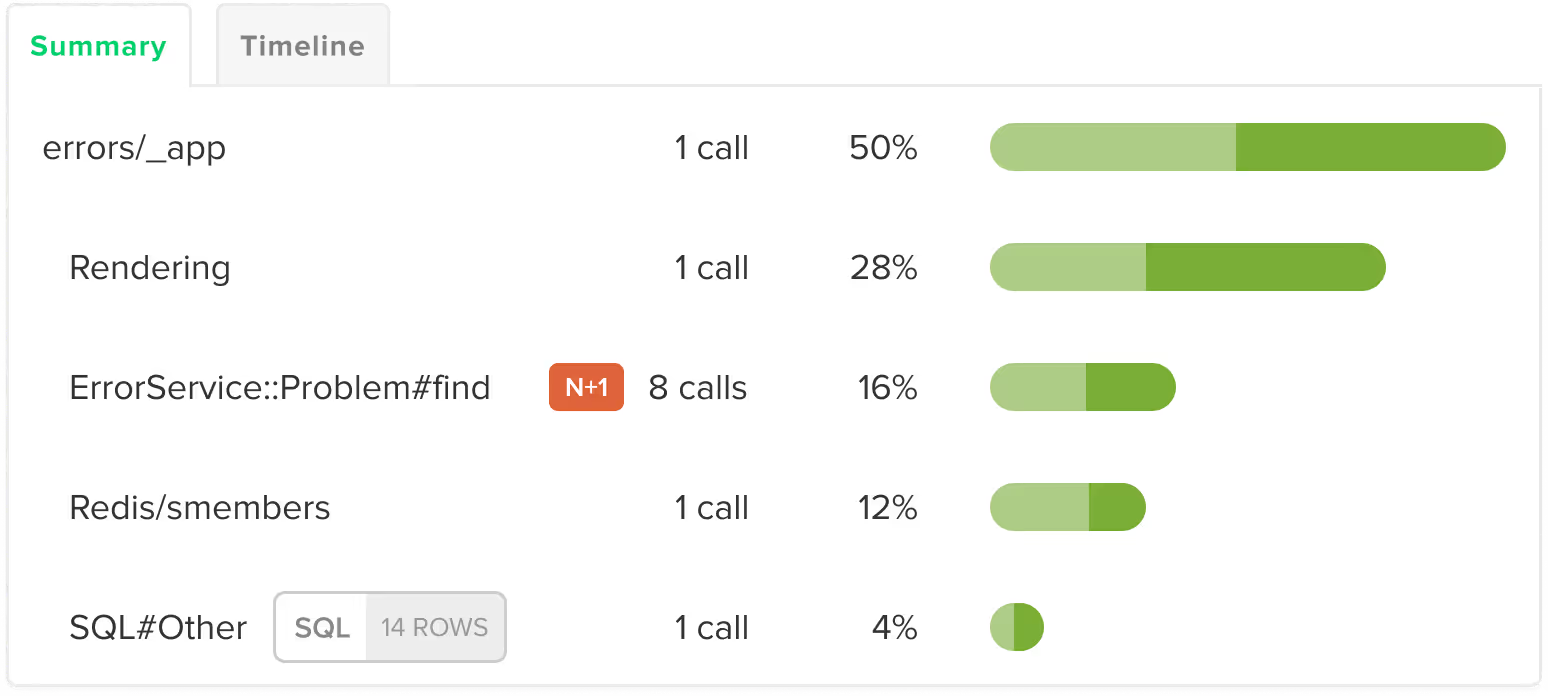
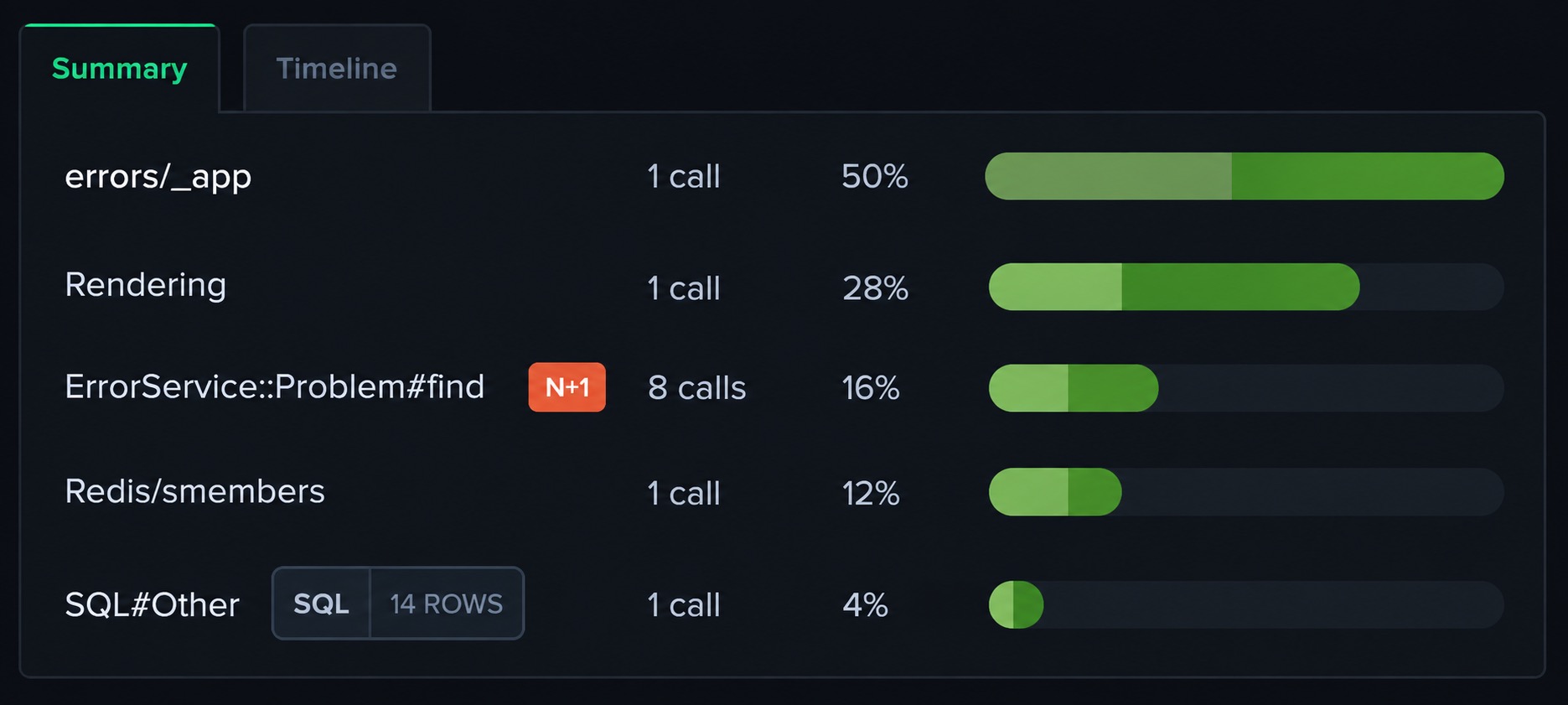
Scout automatically detects N+1 query patterns in Ecto within Oban job executions. If a worker triggers repeated queries in a loop, Scout identifies the pattern, shows the code location, and reports the total performance impact. No configuration required.
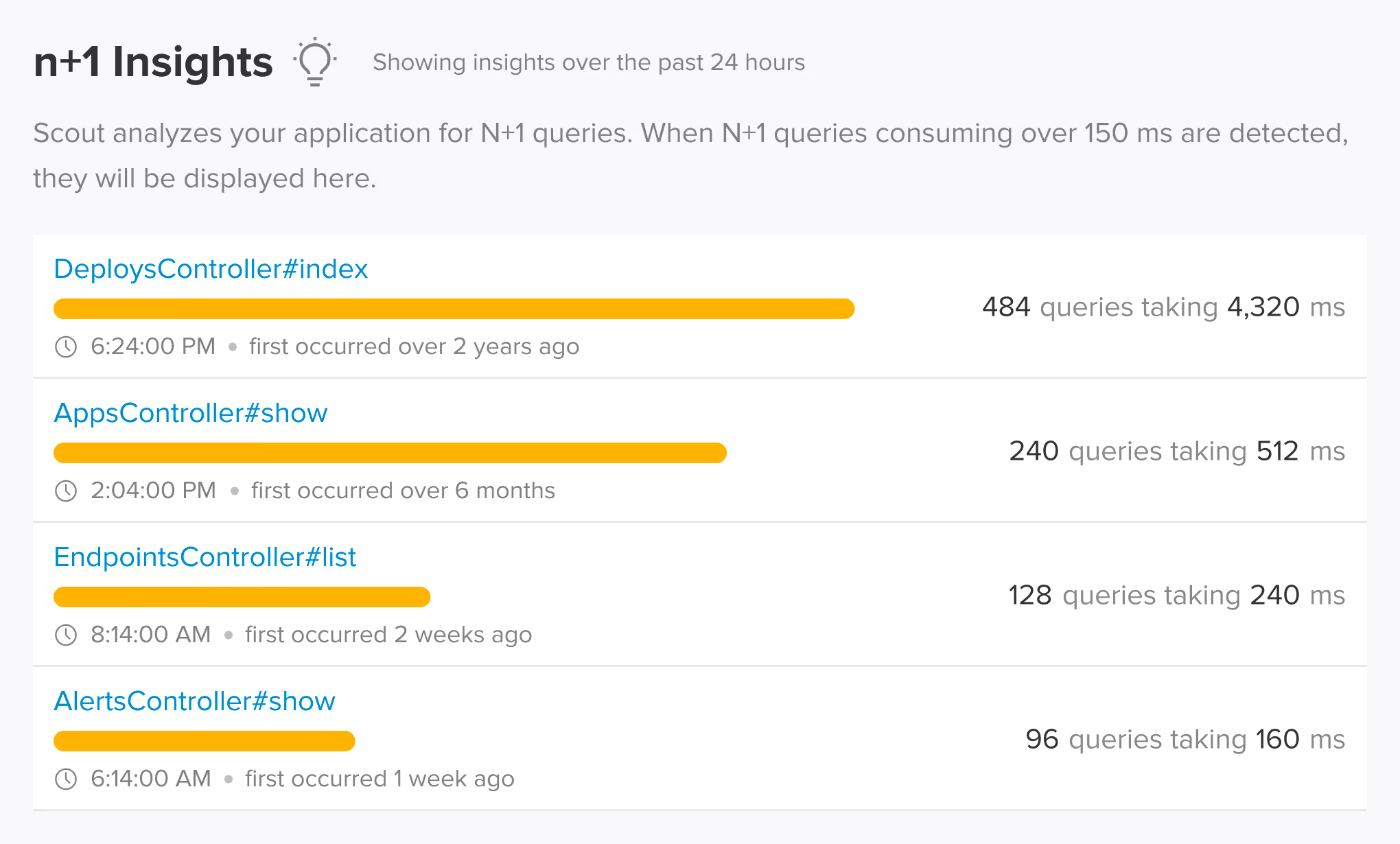
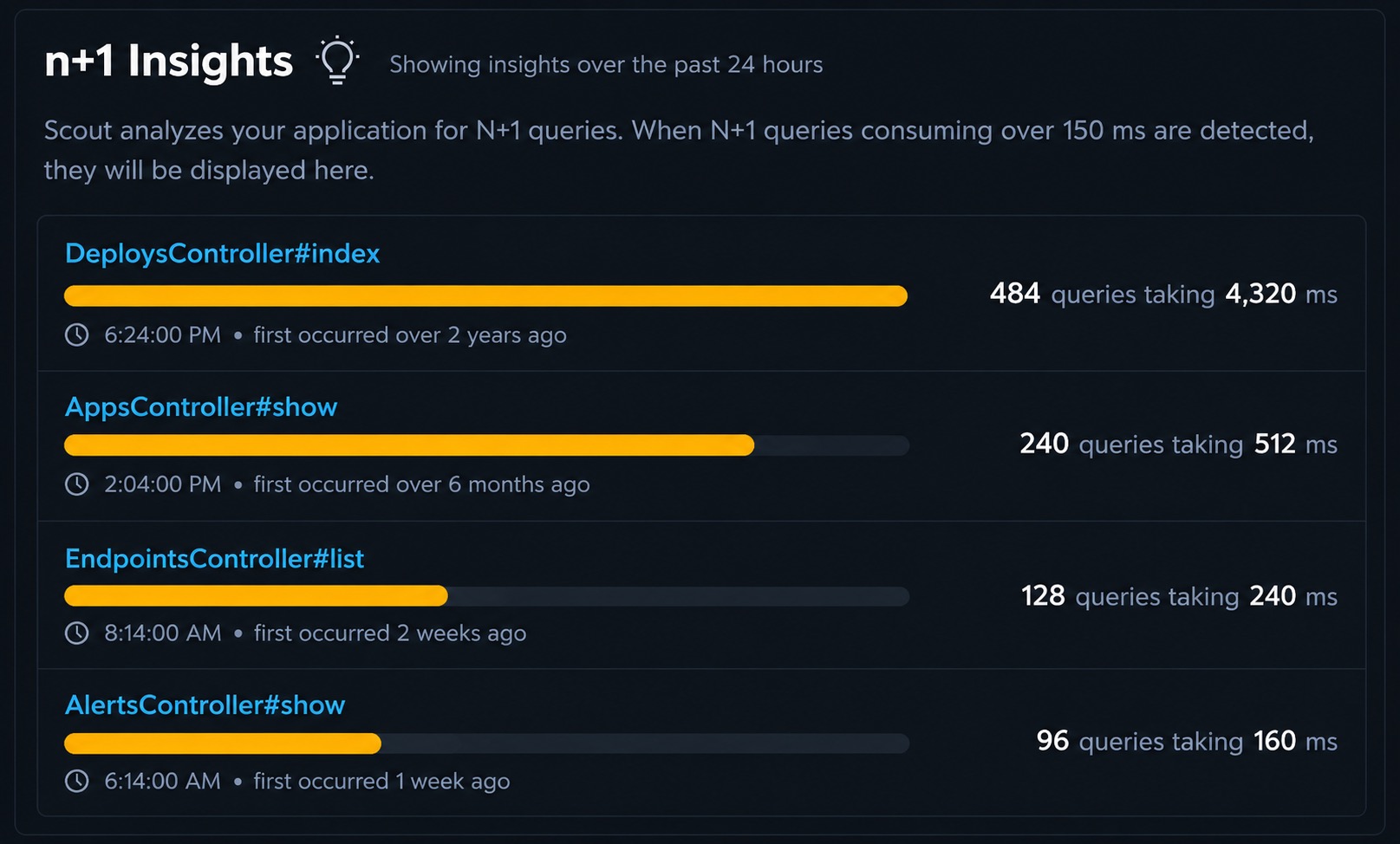
 Auto-Instrumentation
Telemetry-Based Oban Instrumentation
Scout's Elixir agent 2.0 instruments Oban entirely via telemetry. Job start, completion, failure, and discard events are all captured without modifying your worker modules or adding wrapper code. Ecto queries, Finch and Tesla HTTP calls, and errors made inside jobs are all captured in the job trace.
 Supported Frameworks
Works with the Oban frameworks you already use
Scout auto-instruments the frameworks and libraries in your stack. No manual configuration required.
Background Jobs
- Oban
Database
- Ecto
HTTP Clients
- Finch
- Req
- Tesla
Web Framework
- Phoenix
- Phoenix LiveView
 Memory Profiling
Memory Bloat Detection for Oban
Oban workers can accumulate memory when processing large payloads or holding state across job executions. Scout detects memory bloat at the job level, showing which worker modules and code paths are responsible for memory growth.
 AI Native
Query Your Oban App Data from AI Assistants and the Terminal
Scout offers hosted and local MCP servers with 17 tools, a Go CLI via Homebrew with TOON format, and a public API. Query your Oban job performance, error rates, queue metrics, and Ecto N+1 insights from Claude Code, Cursor, or the terminal.
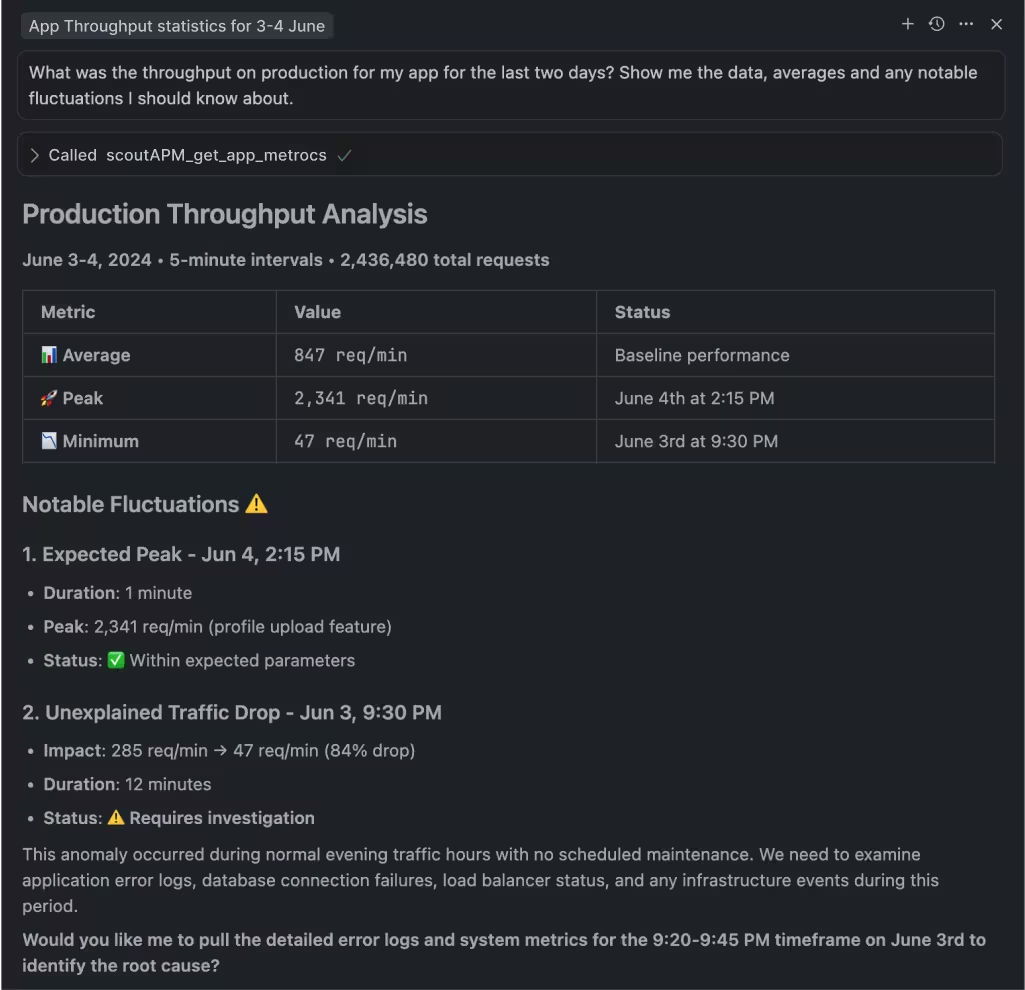

MCP Server
Hosted or local MCP server with 17 tools covering apps, endpoints, traces, errors, insights, background jobs, and usage data. Works with Claude Code, Cursor, VS Code Copilot, and any MCP-enabled assistant.

Scout CLI
Go binary available via Homebrew. Query app metrics, endpoint performance, traces, error groups, and insights from the terminal. Outputs human-friendly tables or TOON format for LLM consumption.

Public API
Full programmatic access to your monitoring data for building custom integrations, dashboards, or automation workflows.
 Get Started in Minutes
Add Scout to Your Oban App
Get Scout running on your Elixir and Oban app in under 3 minutes.
Add to your mix.exs:
{:scout_apm, "~> 2.0"}Download your customized config to config/scout_apm.exs.
Add instrumentation to lib/your_app_web.ex and deploy.
 FAQ
FAQ
Oban Monitoring FAQ
What is the best monitoring tool for Oban?
Scout Monitoring instruments Oban via telemetry automatically. Every job execution appears as its own transaction with per-operation timing, Ecto N+1 detection, memory bloat tracking, and error capture. No changes to your worker modules required.
How do I monitor Oban job performance with Scout?
Add the scout_apm dependency to your mix.exs, configure your Scout key, add the Scout supervisor to your application supervision tree, and deploy. Oban jobs appear automatically in Scout as their own transactions with Ecto query timing, HTTP call timing, and error tracking.
Does Scout detect N+1 queries inside Oban workers?
Yes. Scout automatically detects N+1 query patterns in Ecto within Oban job executions. If a worker triggers repeated queries in a loop, Scout identifies the pattern, shows the code location, and reports the total time wasted.
Does Scout capture Oban job errors?
Yes. Scout captures exceptions, retries, and discards from Oban workers automatically via telemetry. Each error is grouped by worker module, linked to the job trace, and shown with the job arguments and queue context that produced the failure.
Does Scout show Oban queue metrics?
Yes. Scout tracks per-job execution timing and error rates across your Oban queues. You can see which worker modules are slowest, which are failing most frequently, and which are growing memory. Queue depth and throughput data is available alongside the transaction-level traces.
Does Scout work with Heroku for Oban apps?
Yes. The Heroku addon automatically configures SCOUT_MONITOR and SCOUT_KEY. You only need to set SCOUT_NAME to identify your application. Scout supports Heroku's dyno-based architecture for Oban applications.
Can I get Scout through AWS Marketplace?
Yes. Scout is available on AWS Marketplace for teams that prefer to consolidate monitoring spend with their AWS account. The same Oban agent and features work regardless of how you purchase. See our AWS Marketplace listing at /aws-marketplace-application-monitoring for details.
Does Scout work with DigitalOcean for Oban apps?
Yes. Scout is available as a DigitalOcean addon. It integrates with your existing DigitalOcean billing and works with Oban applications running on DigitalOcean App Platform or Droplets.