Finch Performance Monitoring
HTTP client performance tracing for Finch in your Elixir and Phoenix applications. Scout's Elixir agent instruments Finch requests via telemetry automatically. See every external HTTP call in context alongside your Ecto queries, Phoenix request traces, and Oban job executions.
 Errors, Logs, and Traces
Finch HTTP Calls in the Context of Every Transaction
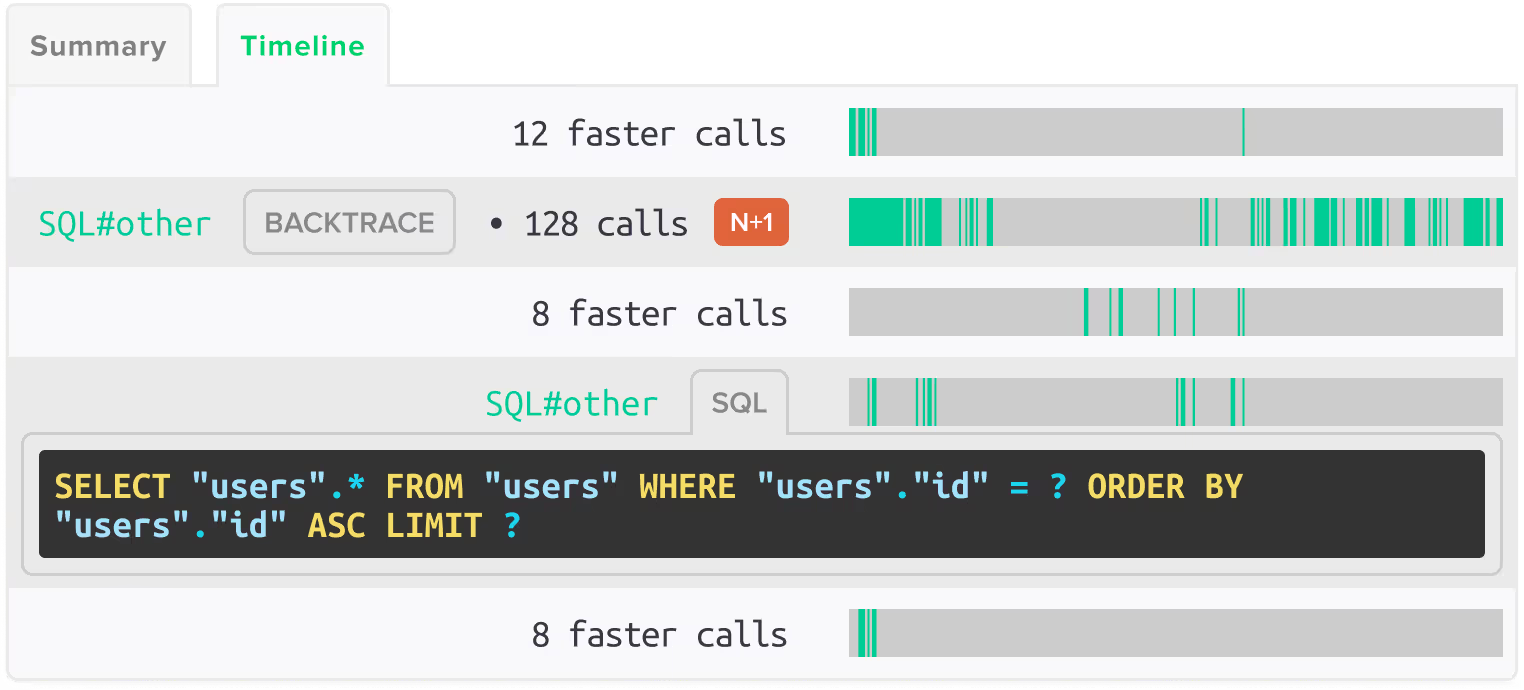
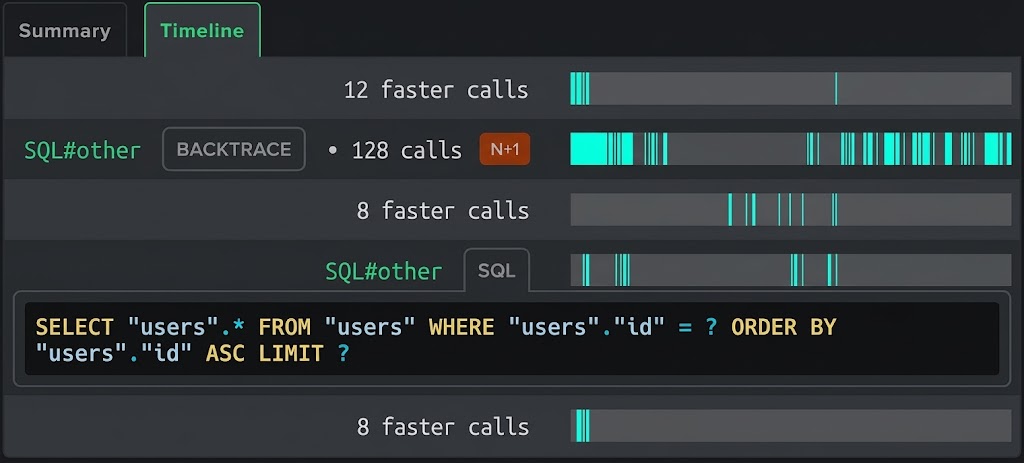
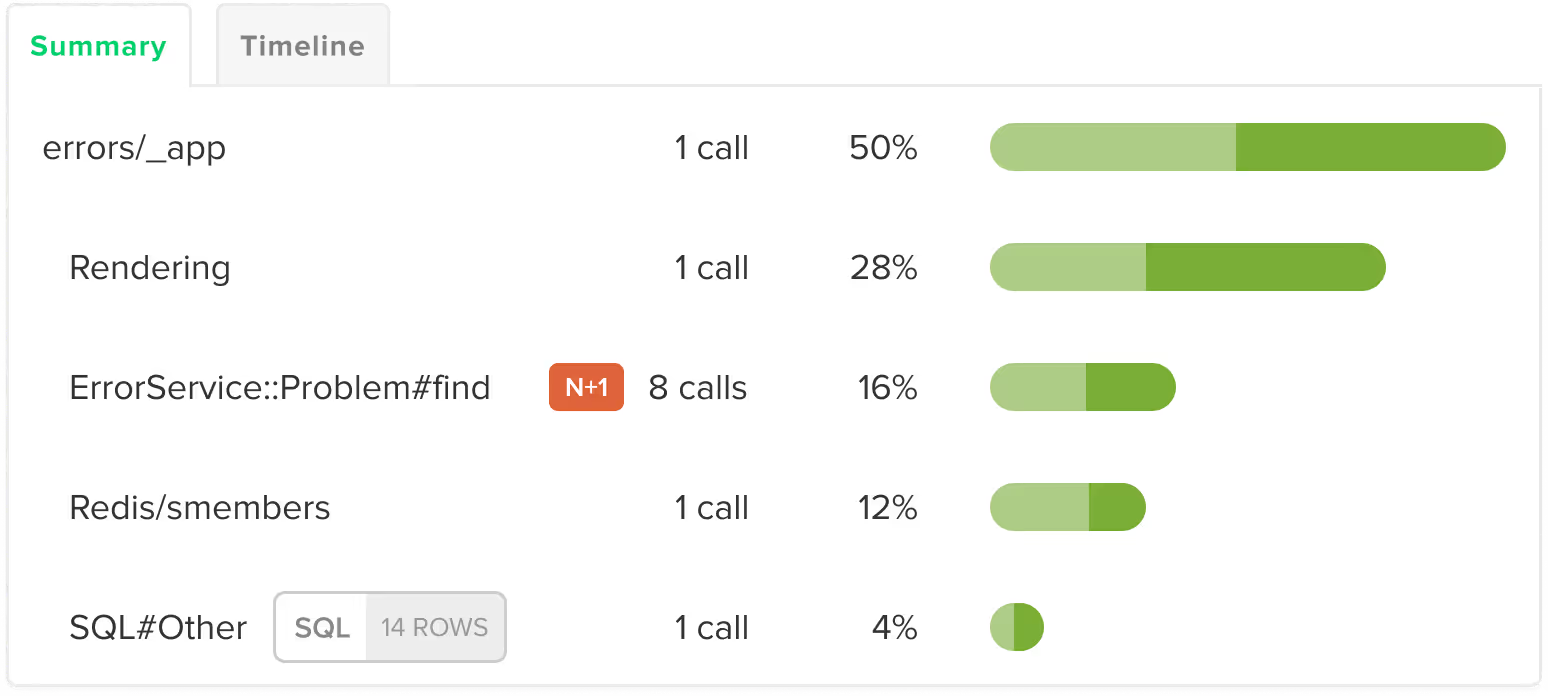
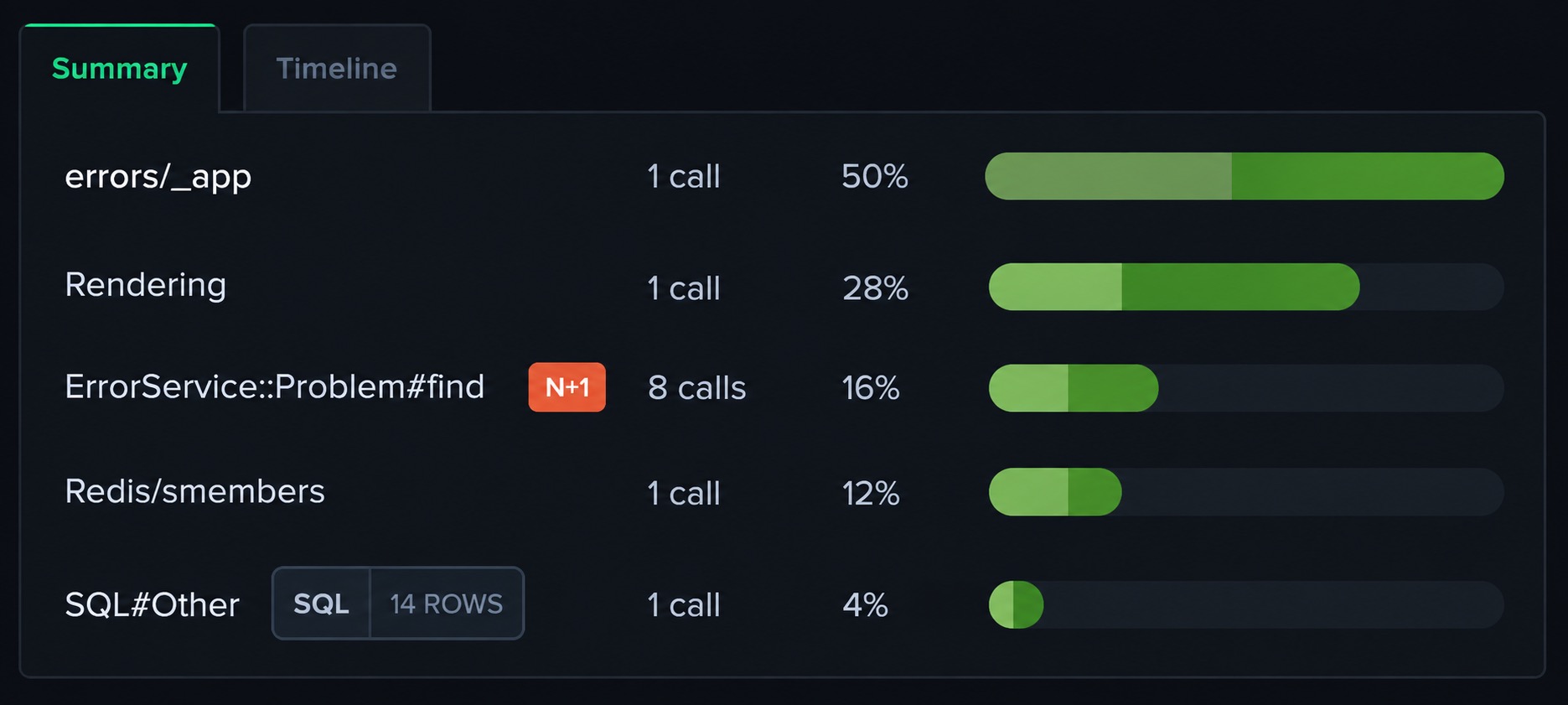
Scout captures Finch HTTP requests as spans within the enclosing Phoenix controller, LiveView callback, or Oban job transaction. When a Finch request is slow or fails, you see it alongside the Ecto queries and application code that surrounded it in the same trace.

Error Monitoring
HTTP errors from Finch requests are captured within the transaction trace. Timeouts, connection failures, and unexpected status codes appear in context with the full trace.

Log Management
Log output is enriched with trace context. You can filter logs by trace ID to see the full sequence of Finch calls made during a specific Phoenix request or Oban job execution.

App Traces
Every Finch HTTP request appears as a span in the transaction trace with URL, method, status, and timing. Slow external calls are surfaced so you can see their impact on overall request performance.
 Query Analysis
External HTTP Performance Alongside Ecto Query Data
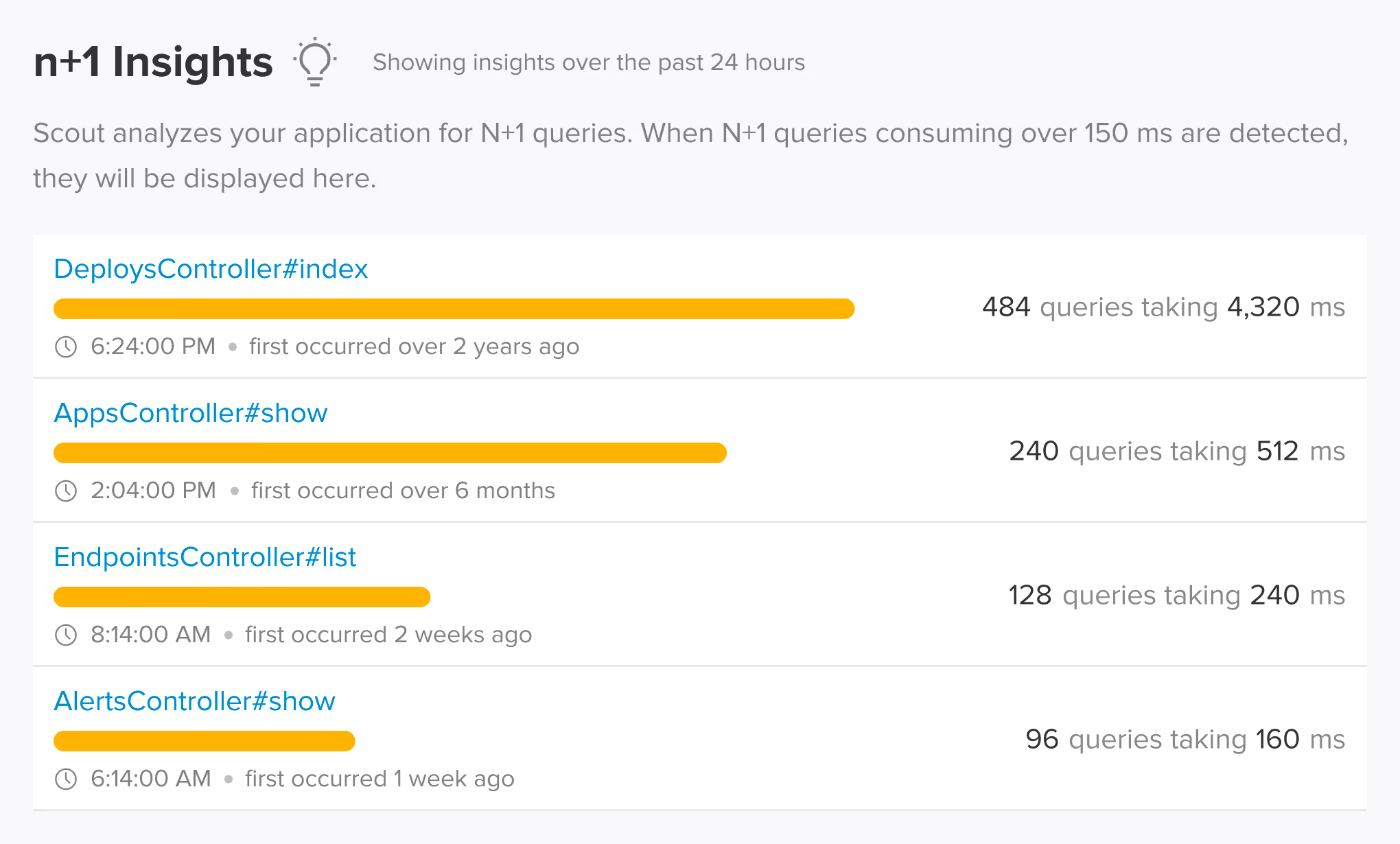
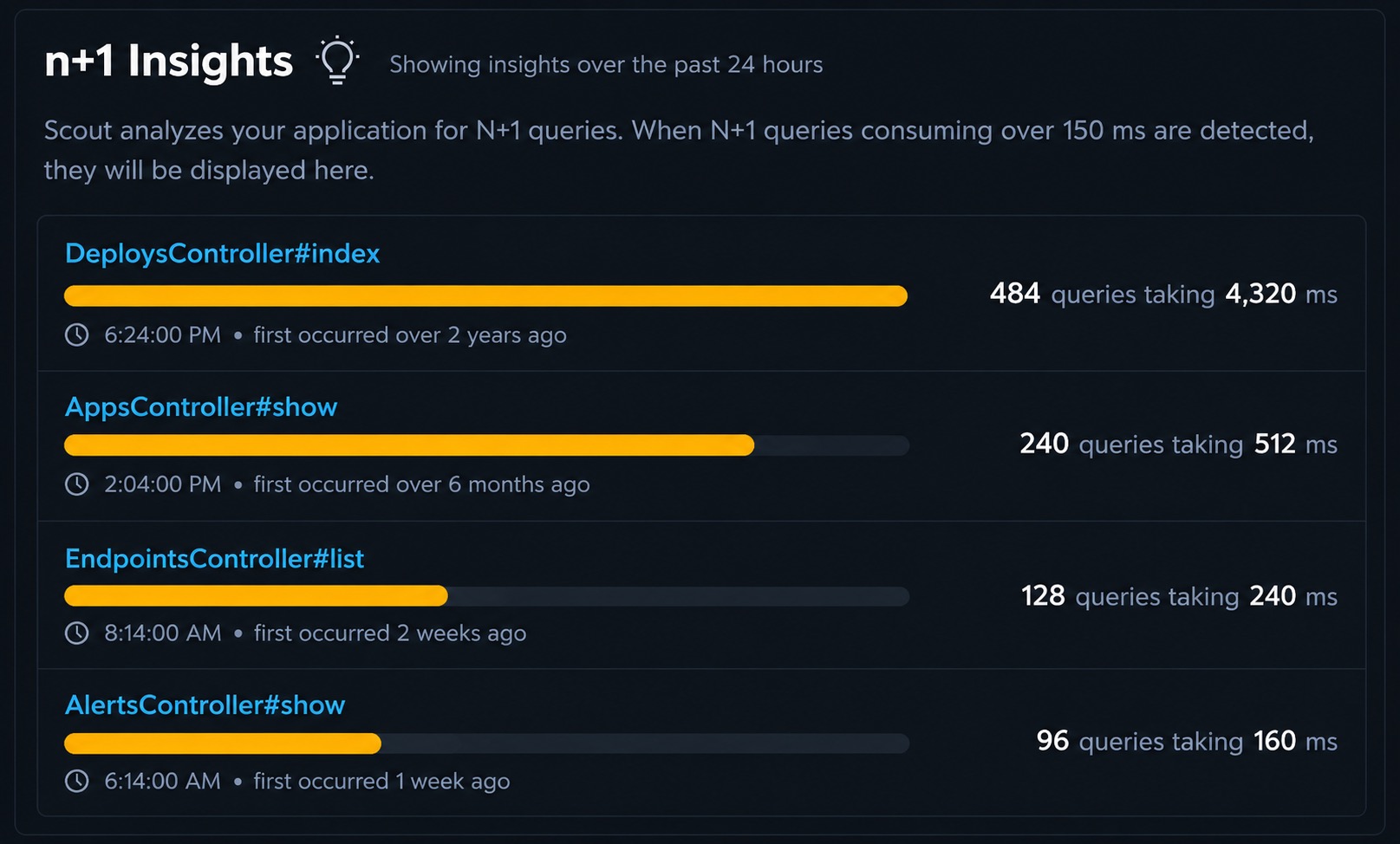
Scout shows Finch HTTP call timing alongside Ecto query timing in the same transaction trace. This lets you see whether slow responses are coming from your database, your external service calls, or your application code.
 Auto-Instrumentation
Telemetry-Based Finch Instrumentation
Scout's Elixir agent 2.0 instruments Finch via telemetry. Request start, stop, and exception events are captured automatically without modifying your Finch client configuration or wrapping your HTTP calls.
 Supported Frameworks
Works with the Finch frameworks you already use
Scout auto-instruments the frameworks and libraries in your stack. No manual configuration required.
HTTP Clients
- Finch
- Req
- Tesla
Web Framework
- Phoenix
- Phoenix LiveView
- Plug
Background Jobs
- Oban
Database
- Ecto
 Memory Profiling
Memory Bloat Detection for Finch
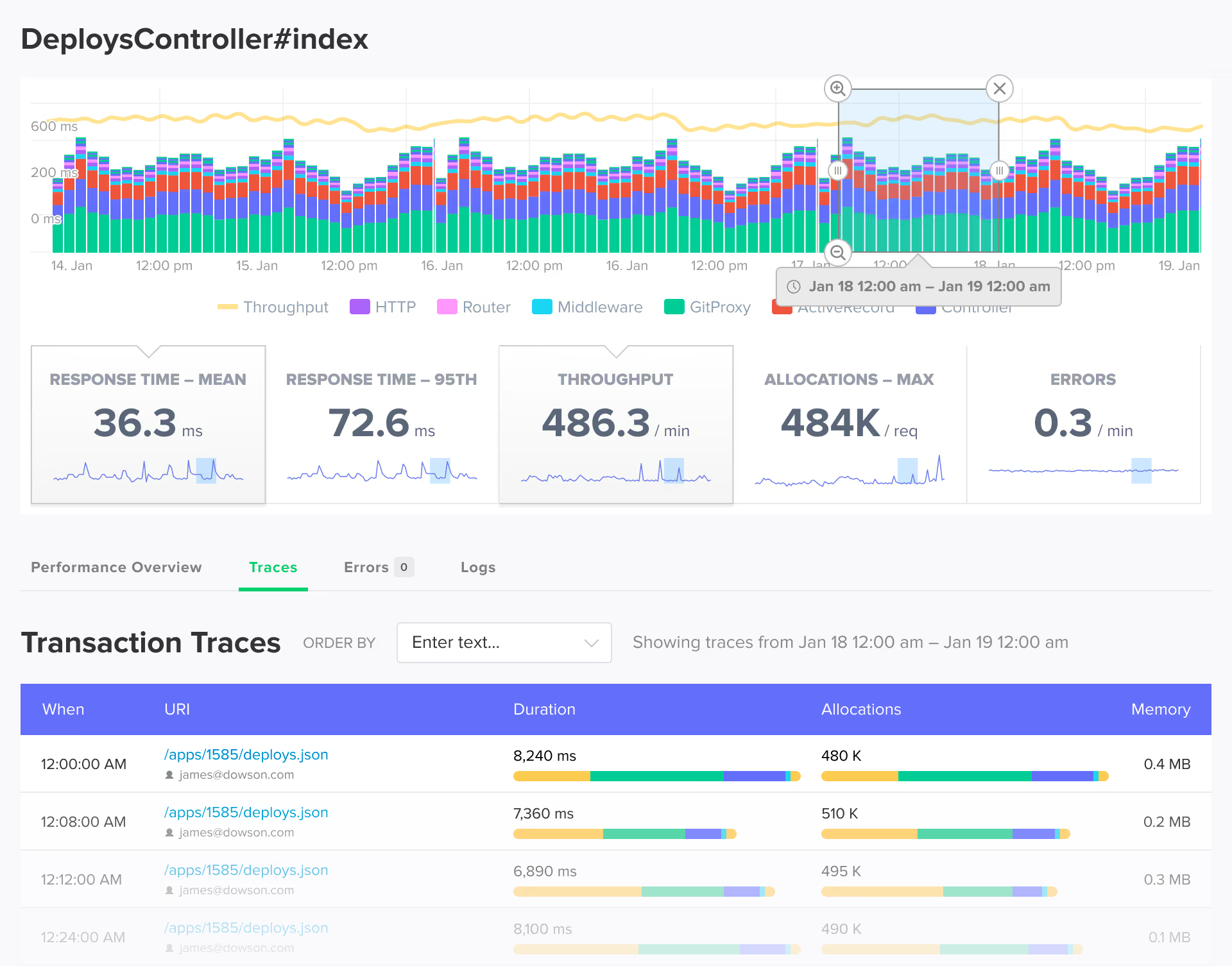
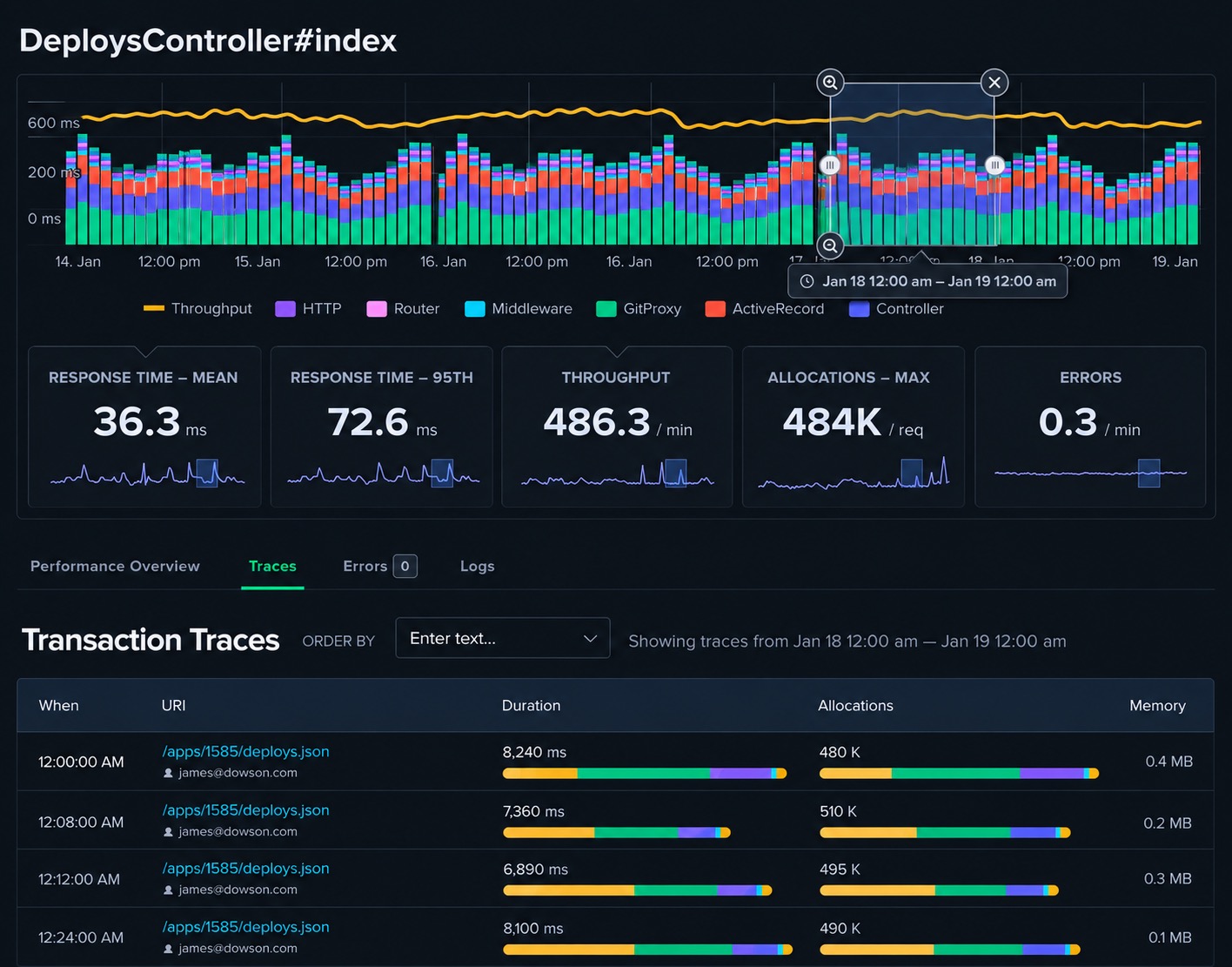
External HTTP calls that return large response bodies can contribute to memory growth in Phoenix processes. Scout detects memory bloat at the transaction level, showing which requests are responsible for memory increases.
 AI Native
Query Your Finch App Data from AI Assistants and the Terminal
Scout offers hosted and local MCP servers with 17 tools, a Go CLI via Homebrew with TOON format, and a public API. Query your Phoenix application's external call performance alongside error and trace data from Claude Code, Cursor, or the terminal.
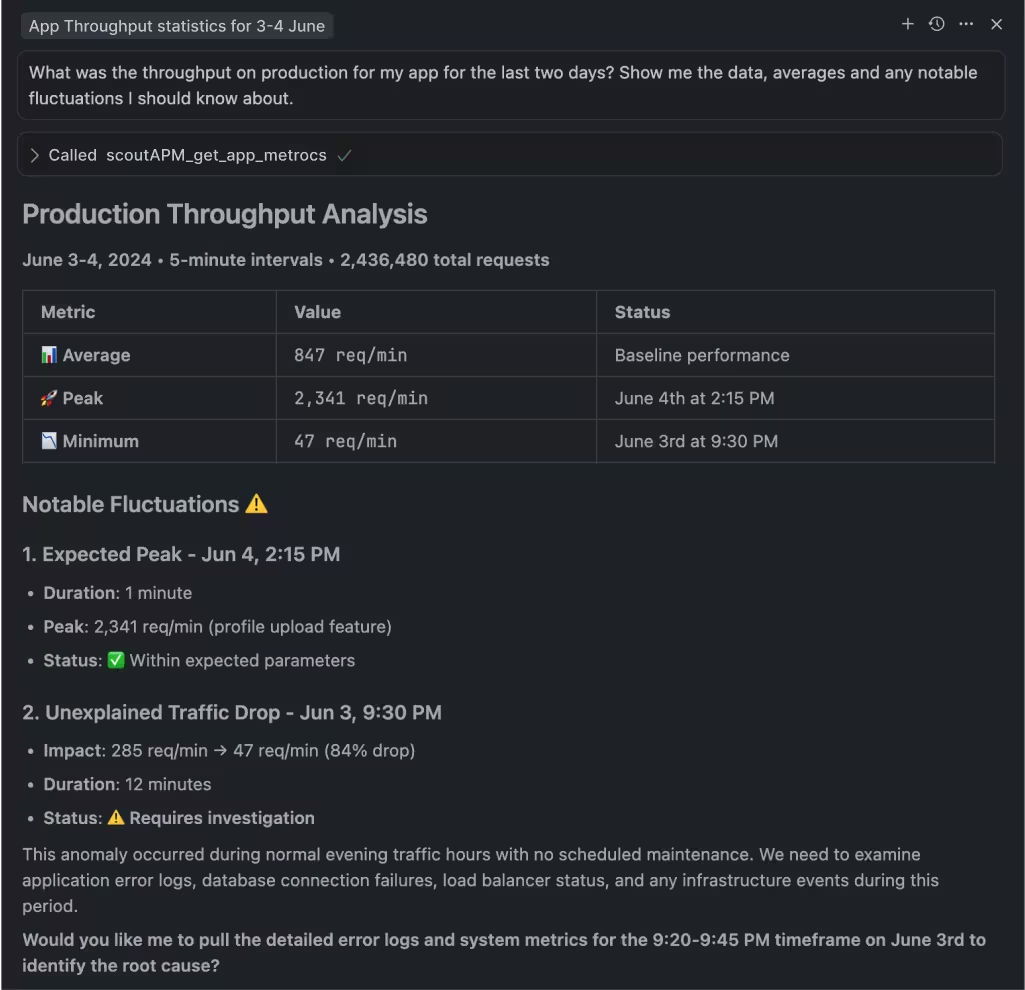

MCP Server
Hosted or local MCP server with 17 tools covering apps, endpoints, traces, errors, insights, background jobs, and usage data. Works with Claude Code, Cursor, VS Code Copilot, and any MCP-enabled assistant.

Scout CLI
Go binary available via Homebrew. Query app metrics, endpoint performance, traces, error groups, and insights from the terminal. Outputs human-friendly tables or TOON format for LLM consumption.

Public API
Full programmatic access to your monitoring data for building custom integrations, dashboards, or automation workflows.
 Get Started in Minutes
Add Scout to Your Finch App
Get Scout running on your Elixir app in under 3 minutes.
Add to your mix.exs:
{:scout_apm, "~> 2.0"}Download your customized config to config/scout_apm.exs.
Add instrumentation to lib/your_app_web.ex and deploy.
 FAQ
FAQ
Finch Monitoring FAQ
Does Scout instrument Finch HTTP calls?
Yes. Scout's Elixir agent 2.0 instruments Finch via telemetry. Every Finch request appears as a span in the enclosing transaction trace with URL, method, status, and timing. No changes to your Finch client configuration required.
How do I see Finch performance in the context of Phoenix requests?
Scout captures Finch requests as spans within the Phoenix controller or LiveView transaction trace. The Finch call appears alongside Ecto queries and application code in the same trace timeline, so you can see its contribution to the overall request time.
Does Scout support Req and Tesla as well as Finch?
Yes. Scout auto-instruments Finch, Req, and Tesla HTTP clients. All three appear as spans within the enclosing transaction trace with the same level of detail.
Does Scout capture Finch errors?
Yes. HTTP errors from Finch requests, including timeouts, connection failures, and non-2xx responses, are captured within the transaction trace and linked to the surrounding context.
Does Scout work with Heroku for Finch apps?
Yes. The Heroku addon automatically configures SCOUT_MONITOR and SCOUT_KEY. You only need to set SCOUT_NAME to identify your application. Scout supports Heroku's dyno-based architecture for Finch applications.
Can I get Scout through AWS Marketplace?
Yes. Scout is available on AWS Marketplace for teams that prefer to consolidate monitoring spend with their AWS account. The same Finch agent and features work regardless of how you purchase. See our AWS Marketplace listing at /aws-marketplace-application-monitoring for details.
Does Scout work with DigitalOcean for Finch apps?
Yes. Scout is available as a DigitalOcean addon. It integrates with your existing DigitalOcean billing and works with Finch applications running on DigitalOcean App Platform or Droplets.